
Instant Access to 30+ Sports
Place bets on over 30 sports and eSport disciplines in LIVE and LINE mode, available 24/7 from your mobile device.

The MegaPari app is available for free on Android and iOS. Players can download the APK directly without geo-restrictions. The app supports sports betting, casino games, and all major payment methods: Bitcoin, USDT, Ethereum, Skrill, Neteller, Jeton, Visa, and Mastercard.
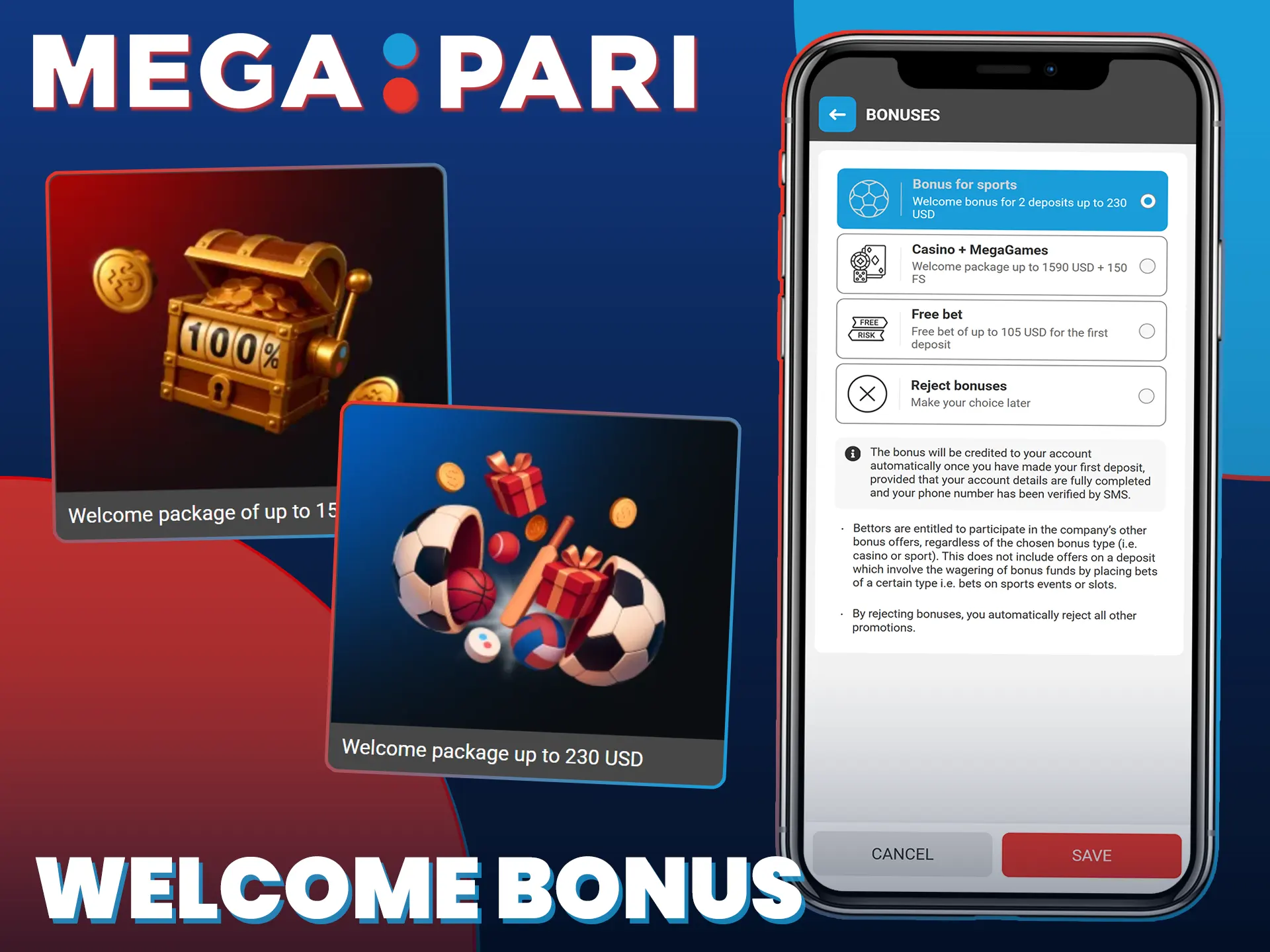
New users can claim a sports welcome bonus of up to 230 USD across the first two deposits. The casino welcome package offers up to 1,590 USD plus 150 free spins across the first two deposits. The minimum deposit to activate either bonus is 1 USD.

The official MegaPari mobile app is available for both Android and iOS devices. It delivers the full platform experience in a compact, mobile-optimised format.
| Year of Development | 2019 |
| Developer | MegaPari |
| Package Name (APK) | megapari.apk |
| License | Curacao eGaming License No. 8048/JAZ |
| APK Size | Approximately 35 MB |
| Supported OS | Android 5.0+, iOS 12.0+ |
| Cost | Free |
| Category | Sports Betting and Casino |
| Languages Supported | 50+ languages |
| Currencies Supported | 50+ currencies including cryptocurrencies |
| Available in No Geo | Yes |
The MegaPari APK download for Android is completely free, secure, and takes under two minutes. Follow the four steps below to install the app on your device.
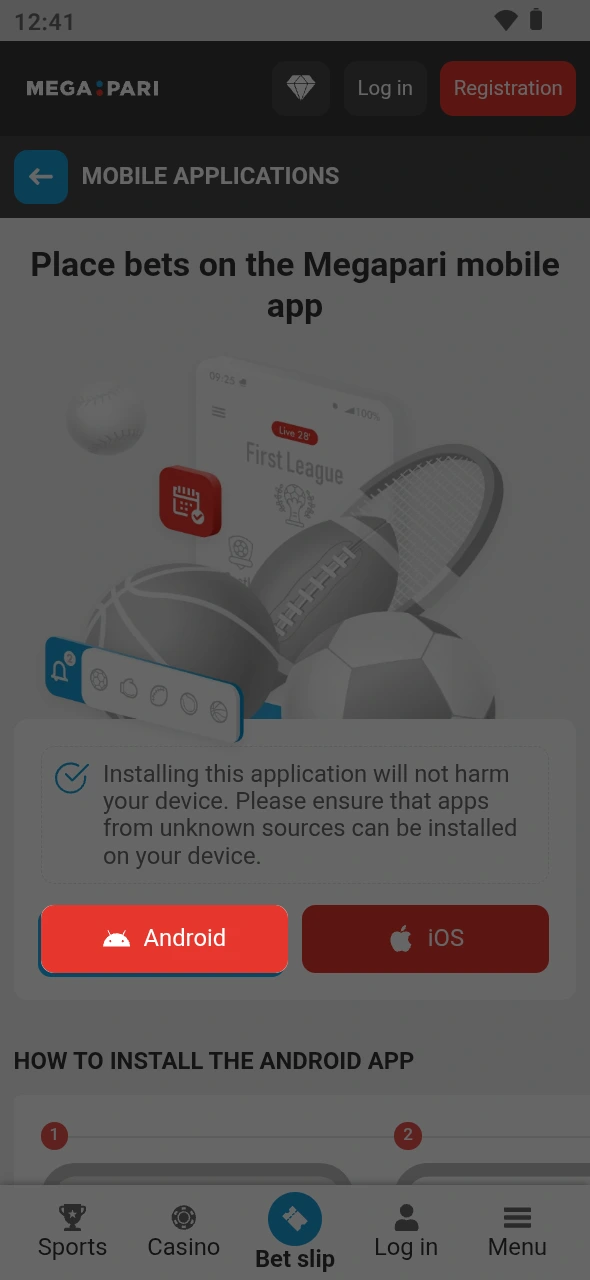
Tap the Download button on this page to begin the MegaPari APK download.
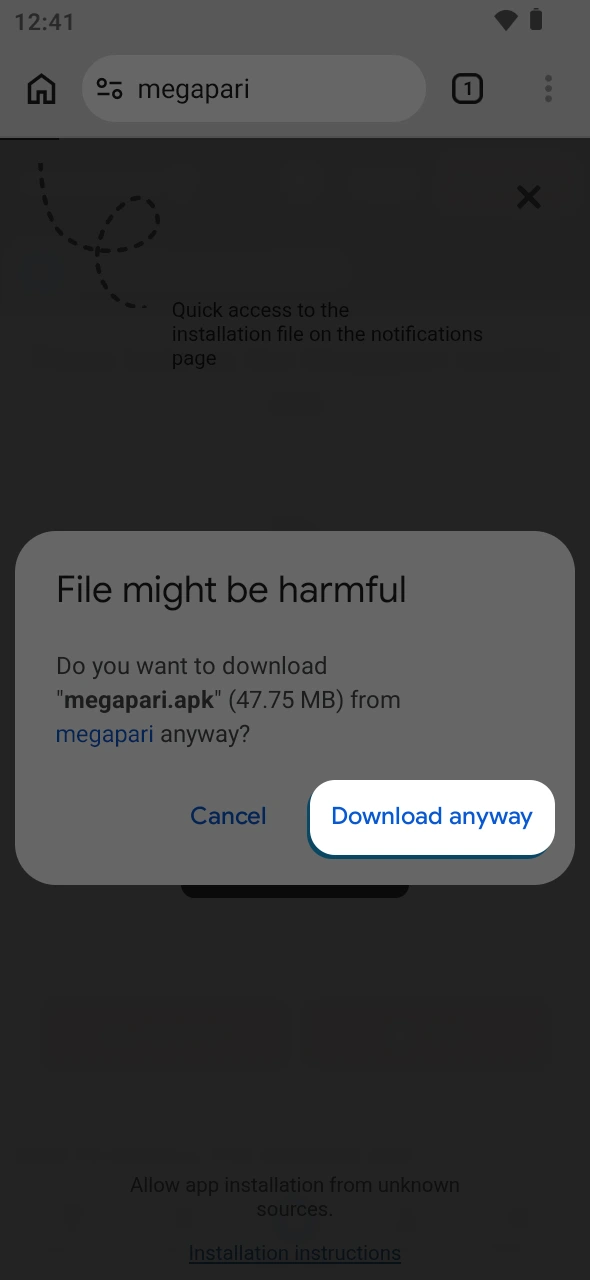
Accept the browser prompt to confirm and save the APK file to your device.
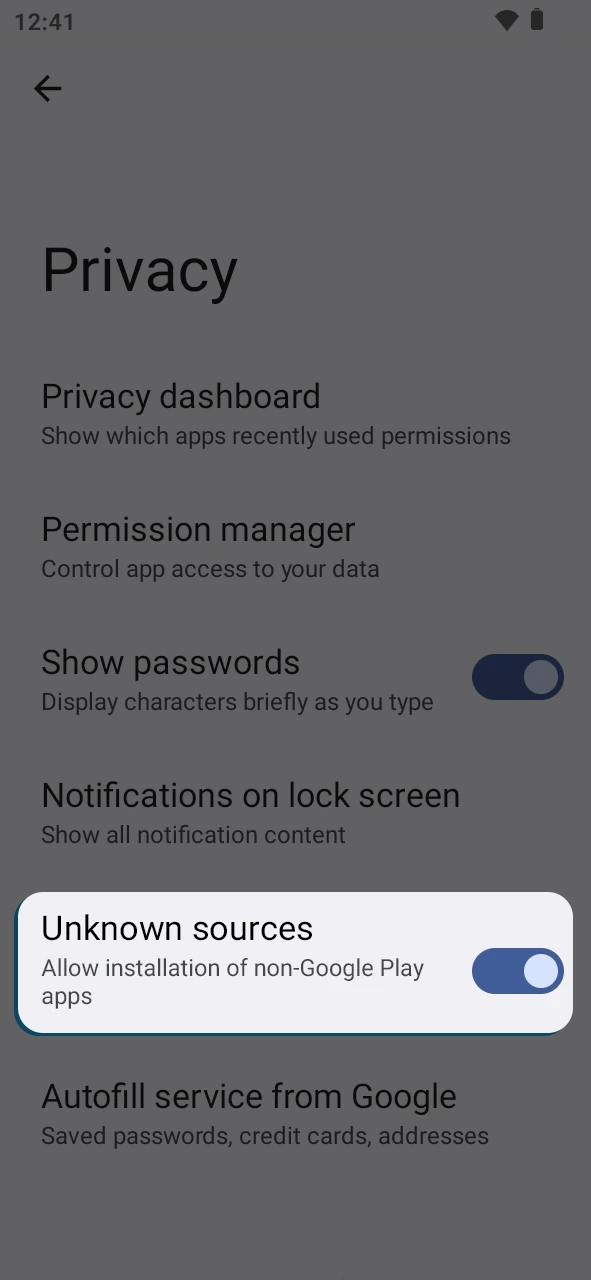
Open your device Settings, navigate to Security, and enable “Install from unknown sources” for your browser.
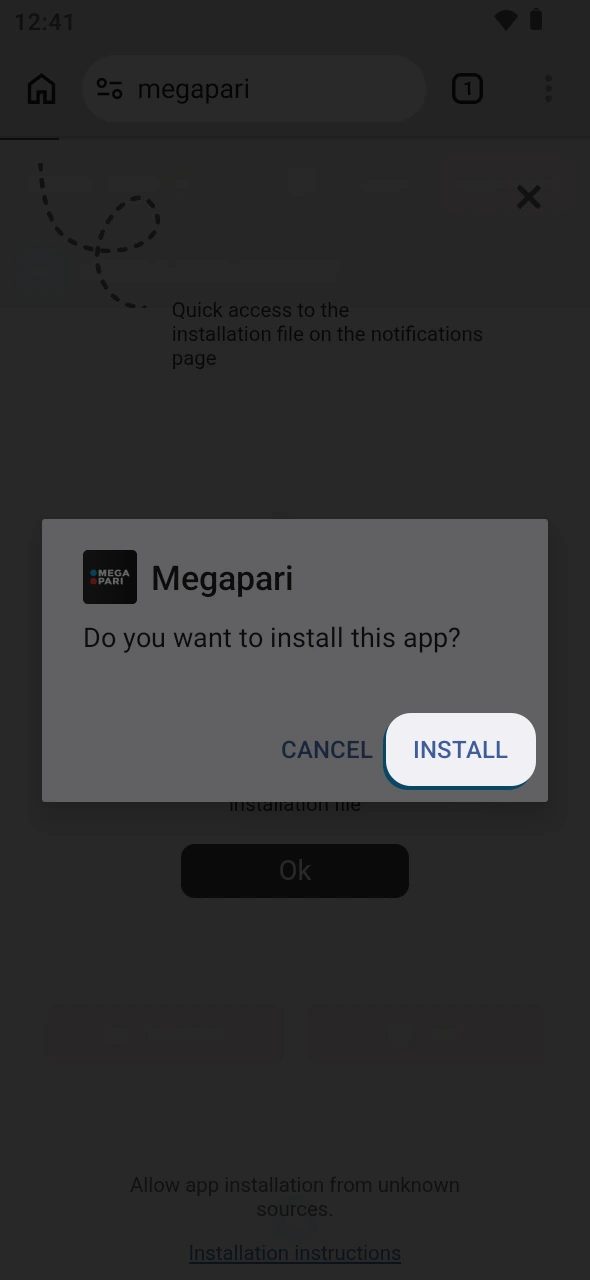
Open your downloads folder, locate the MegaPari APK file, tap it, and follow the on-screen prompts to finish installation.
The MegaPari Android app is free to download and gives you full access to sports betting and casino games from any location. The full installation guide is available in the steps above. Get the app installed in under two minutes and start placing bets immediately.
Before installing the MegaPari app, confirm your Android device meets the minimum technical requirements listed below.
| Requirement | Minimum Specification |
|---|---|
| Android Version | 5.0 (Lollipop) or higher |
| RAM | 1 GB |
| Free Storage Space | 35 MB |
| Processor | 1.2 GHz |
| Internet Connection | 3G, 4G, 5G, or Wi-Fi |
The MegaPari app runs without issues on a wide range of popular Android models. The following devices are fully compatible with the latest version of the app:
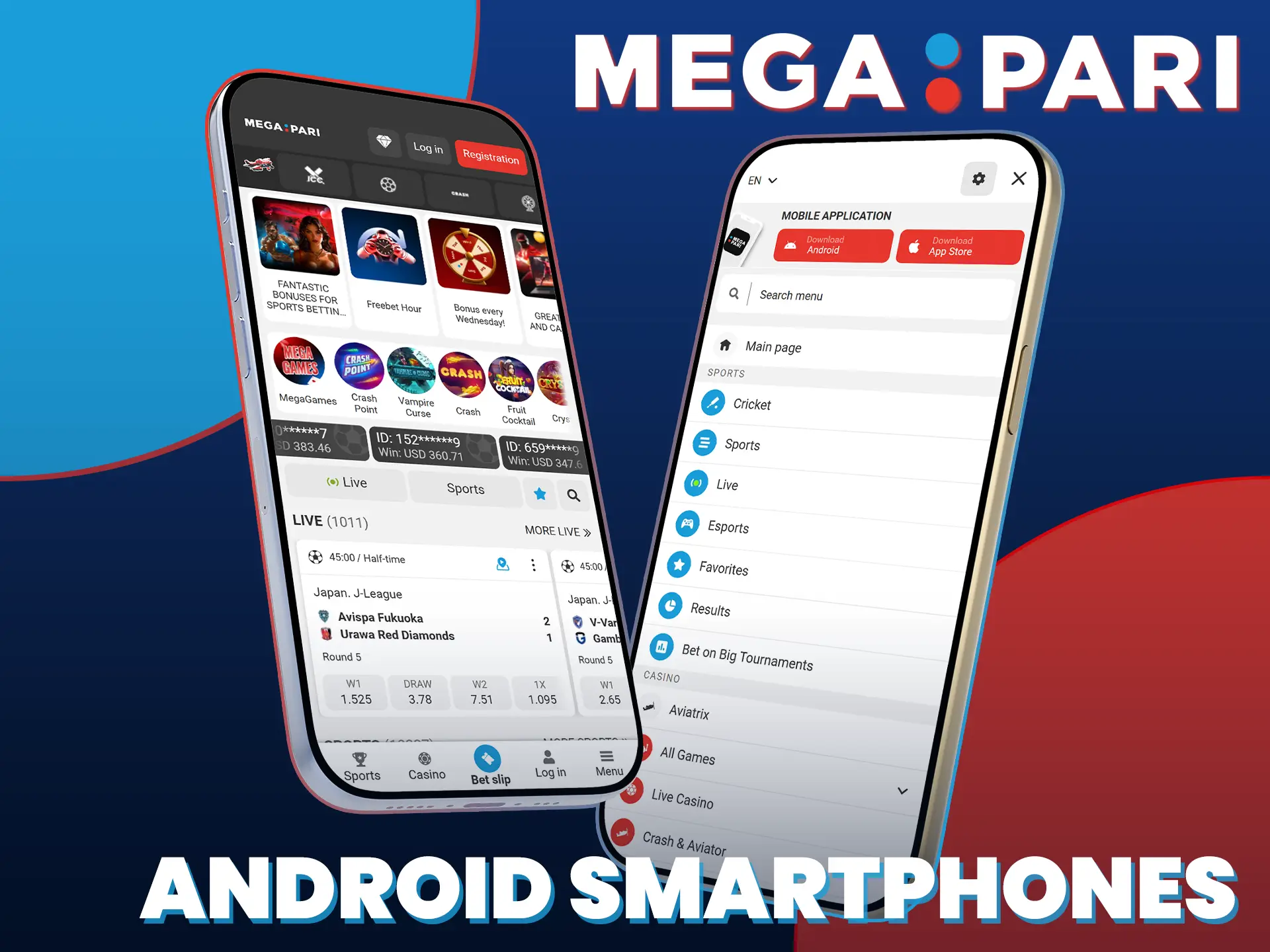
Installing the MegaPari iOS app is straightforward and consists of five steps.
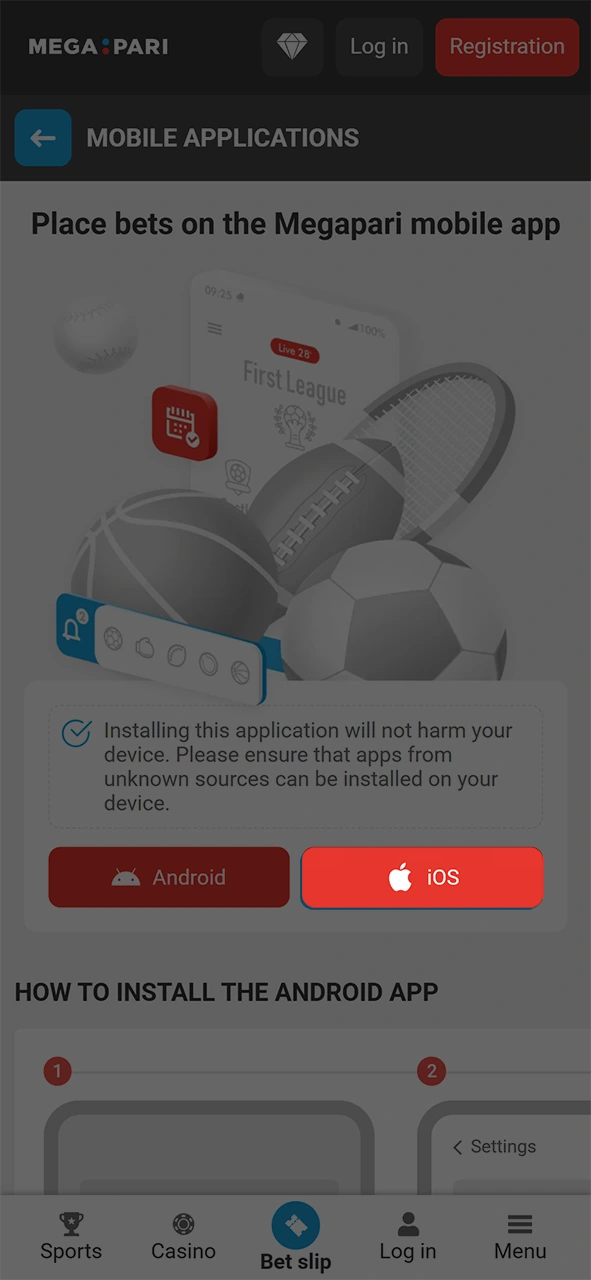
Tap the Download iOS App button on this page. You will be redirected to the App Store listing for the MegaPari official app.
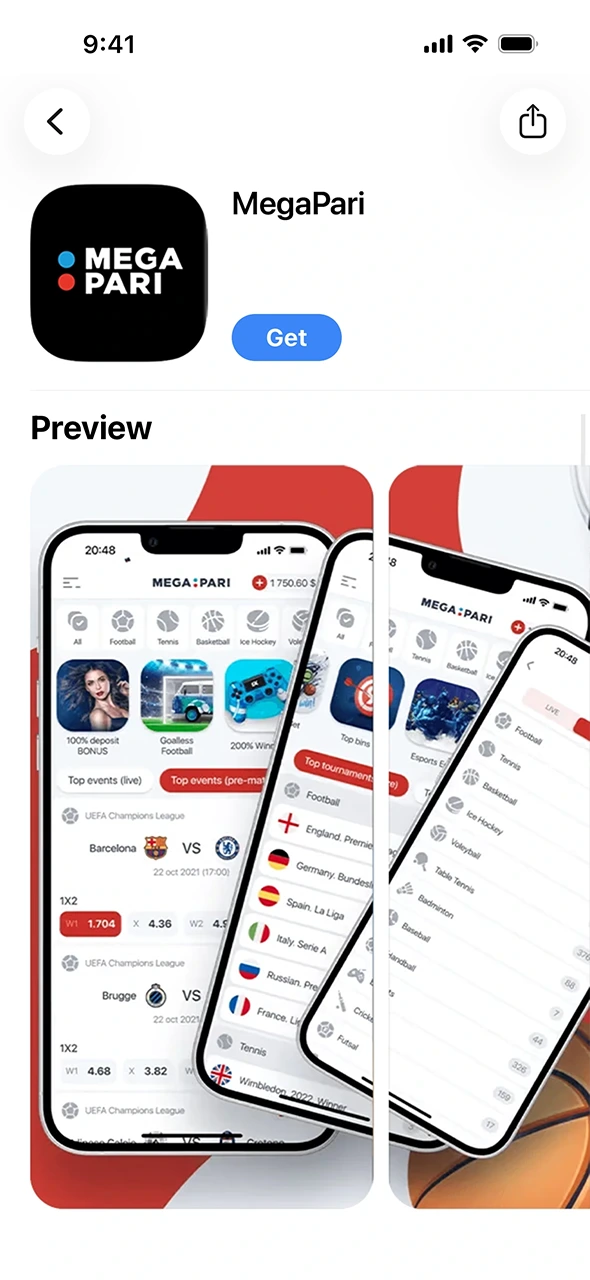
The App Store page for the MegaPari application will load automatically. Verify you have the correct listing.
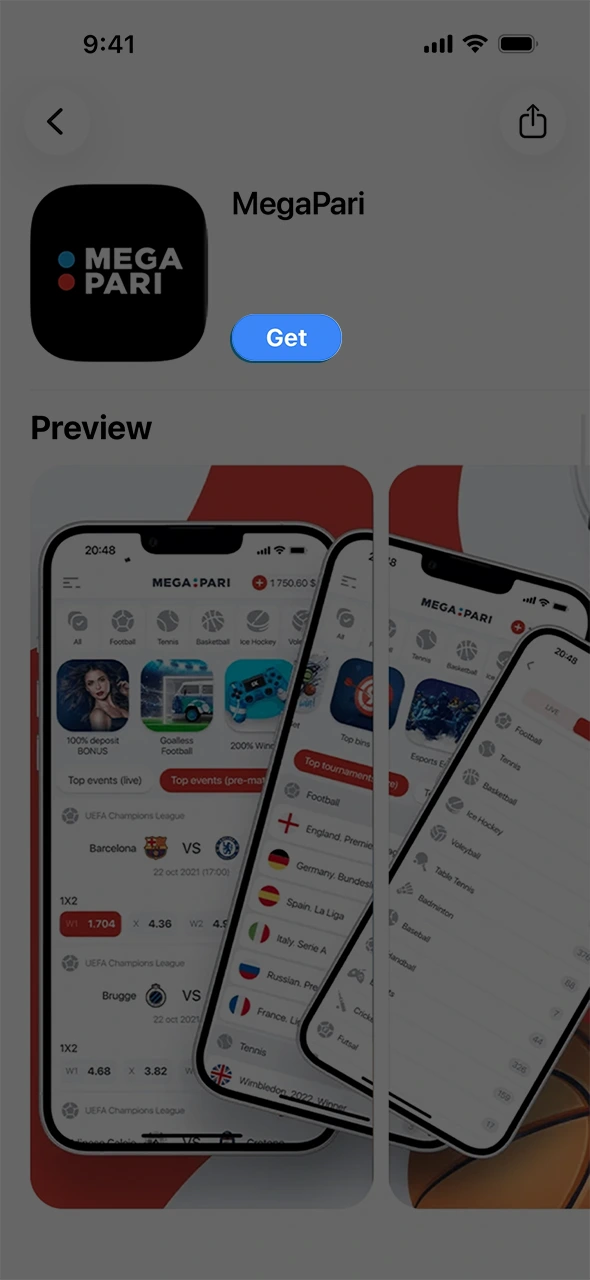
Press the “Get” button on the App Store page. If prompted, authenticate with Face ID, Touch ID, or your Apple ID password.
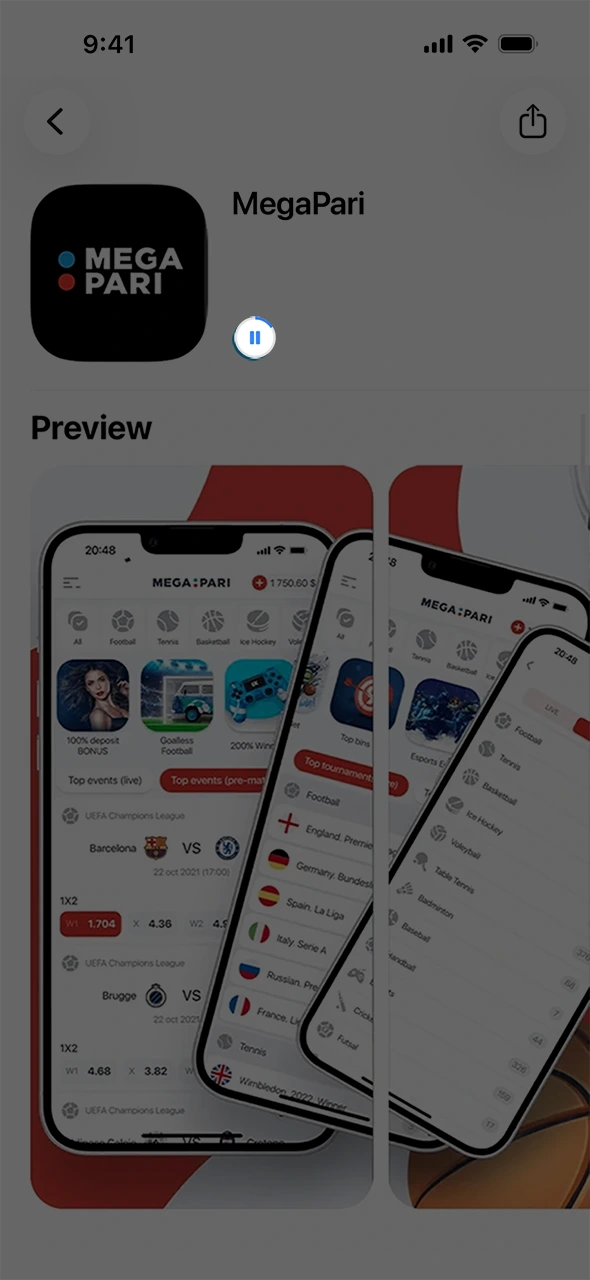
The app will download and install automatically. The process takes approximately 30 to 60 seconds depending on your connection speed.
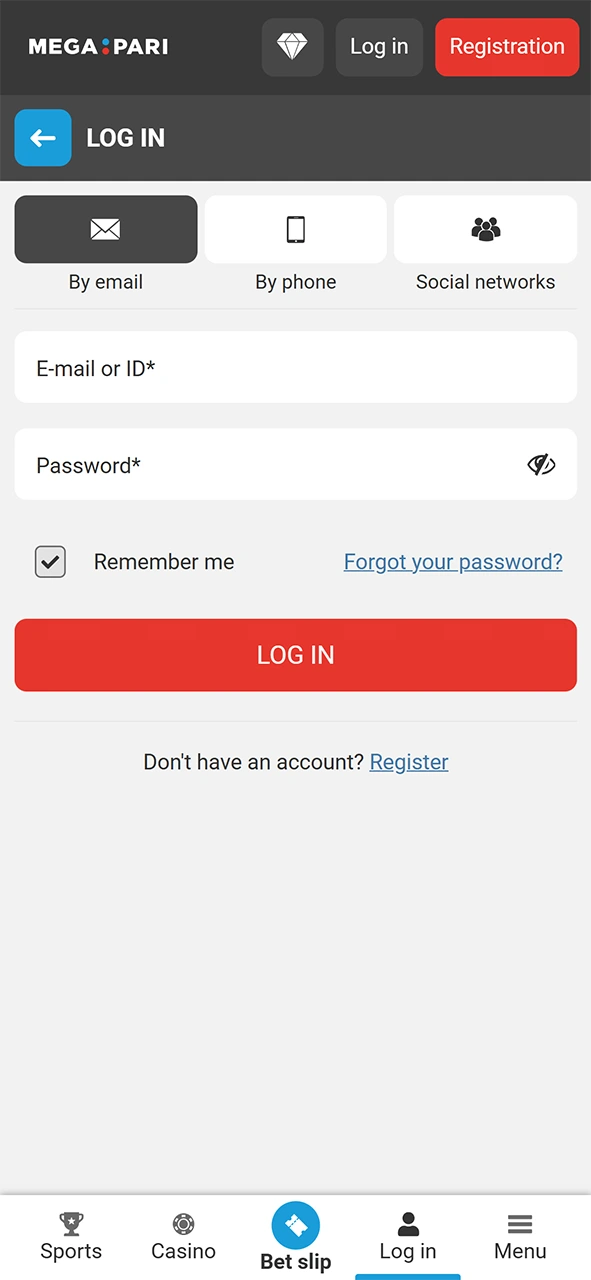
Locate the MegaPari icon on your home screen, tap it, and either log into your existing account or register a new one directly in the app.
The MegaPari iOS app is free to download and available for all iPhone and iPad models running iOS 12.0 or later. It requires only 35 MB of free storage. The app replicates the full functionality of the desktop platform, including sports betting, casino games, live dealer tables, deposits, and withdrawals. No compromise on features.
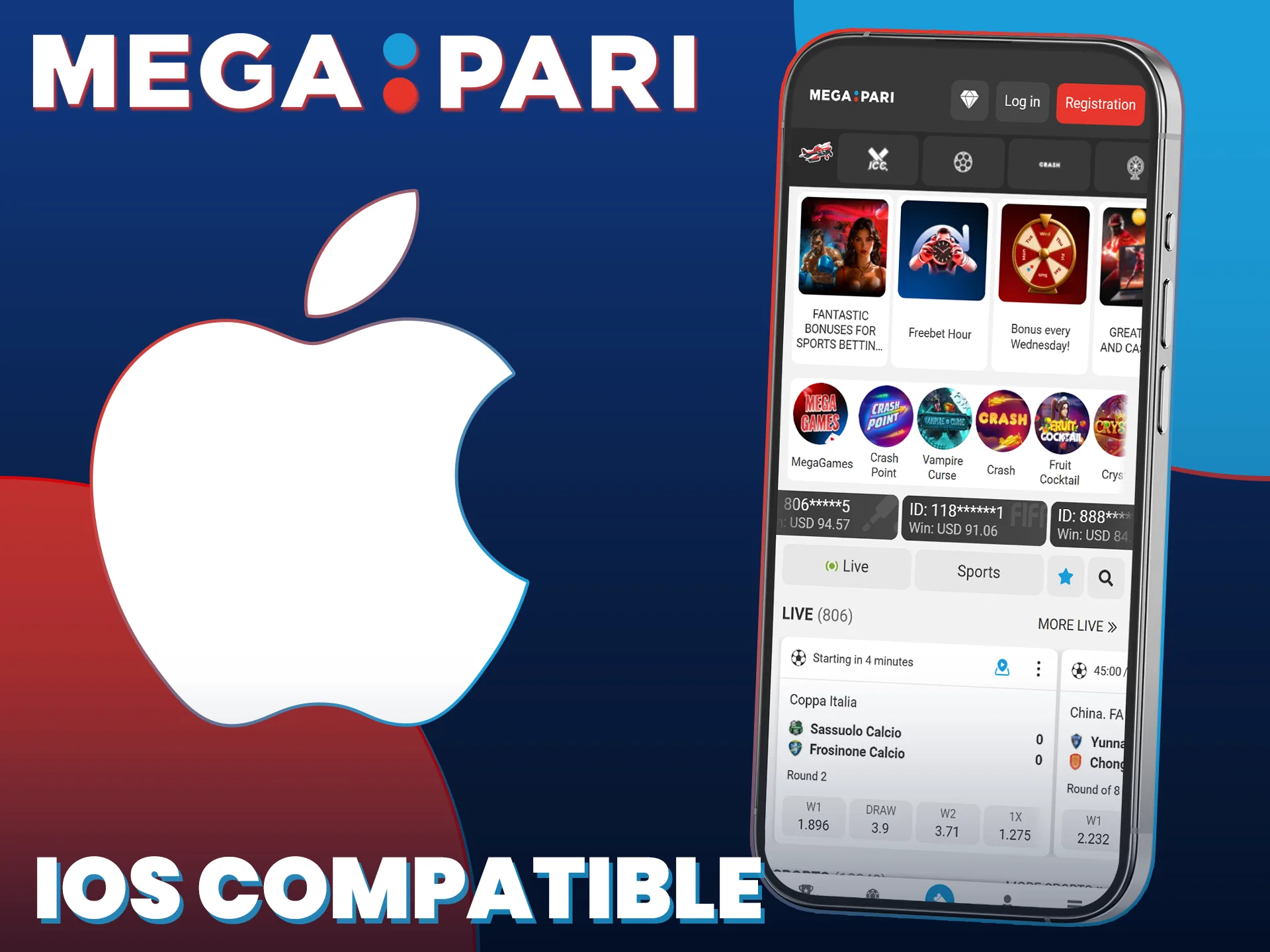
Ensure your iPhone or iPad meets the minimum requirements before downloading the MegaPari app.
| Requirement | Minimum Specification |
|---|---|
| iOS Version | 12.0 or higher |
| RAM | 2 GB |
| Free Storage Space | 35 MB |
| Processor | Apple A9 chip or newer |
| Internet Connection | 3G, 4G, 5G, or Wi-Fi |
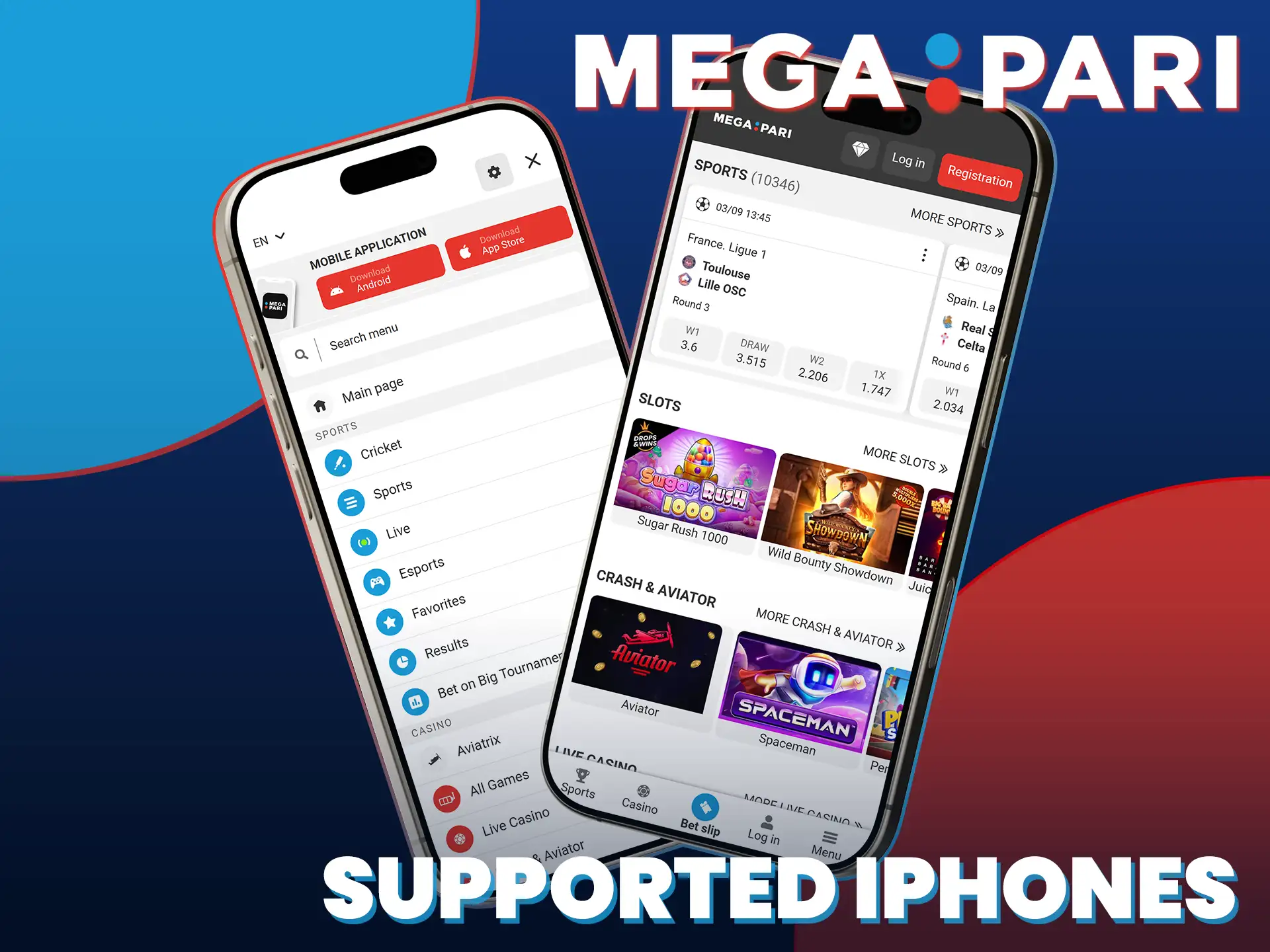
The MegaPari app for iPhone performs reliably across multiple generations of iOS devices. The following models are fully supported:
The table below compares the previous APK version with the current release so you can see exactly what has improved.
| Feature | New Version | Old Version |
|---|---|---|
| App Load Speed | Faster startup, under 2 seconds | Slower initial load |
| UI Design | Redesigned navigation, dark mode support | Basic layout, no dark mode |
| Live Betting Interface | Real-time odds refresh, in-play visualisation | Manual page refresh required |
| Payment Integration | Supports 50+ methods including crypto | Limited payment options |
| Push Notifications | Personalised bet alerts and promos | Generic notifications only |
| Security | 256-bit SSL encryption, 2FA support | Standard SSL only |
| Stability | Optimised for Android 5.0+ and iOS 12.0+ | Higher crash rate on older OS |
| Language Support | 50+ languages | Fewer than 30 languages |
Creating a MegaPari account through the mobile app is simple and open to users aged 18 and over.
After completing registration, you can deposit immediately and start placing bets or playing casino games in the app.
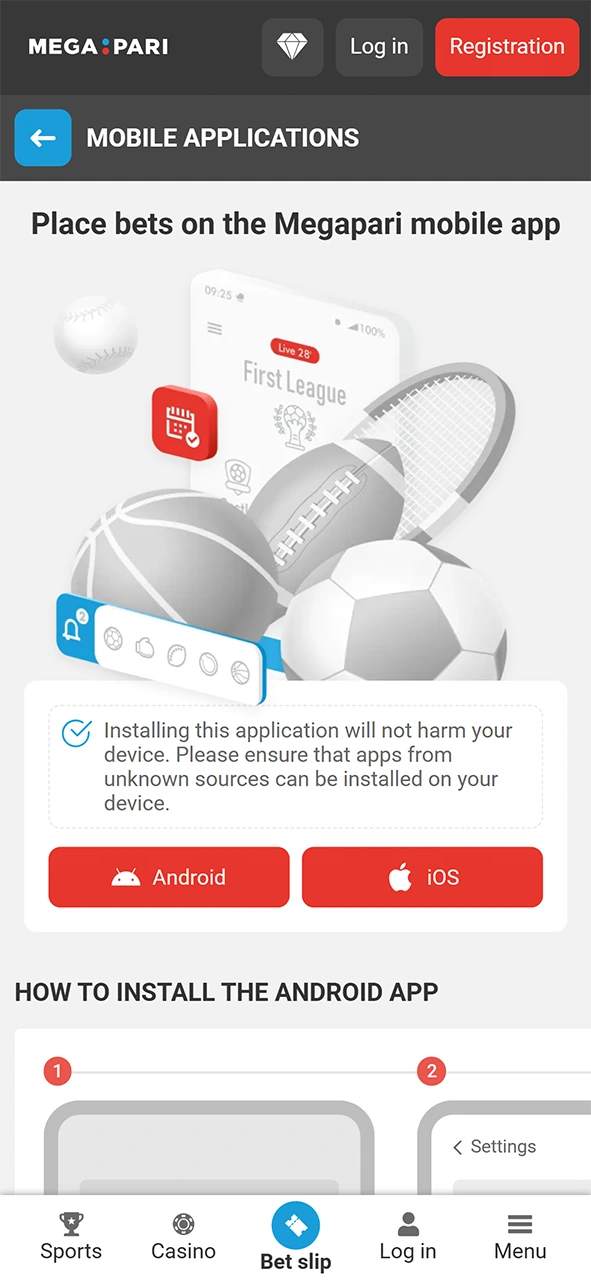
Use the button below to download the app, then tap to open it once installation is complete.
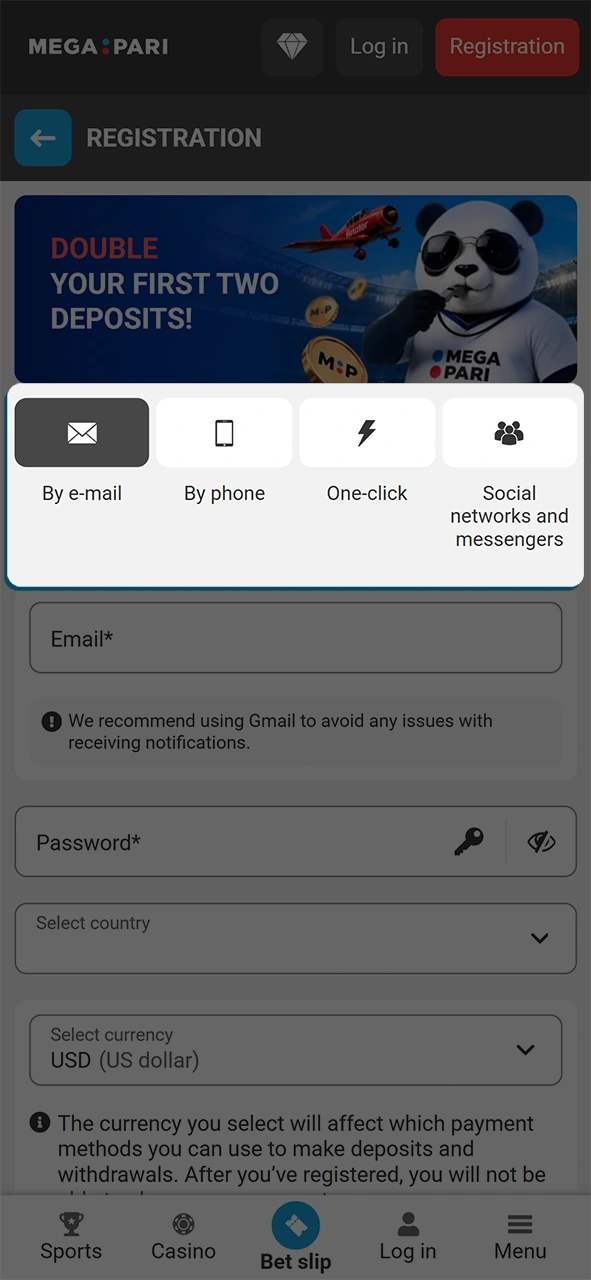
Select your preferred registration method: by phone number, by email address, or via social media account.
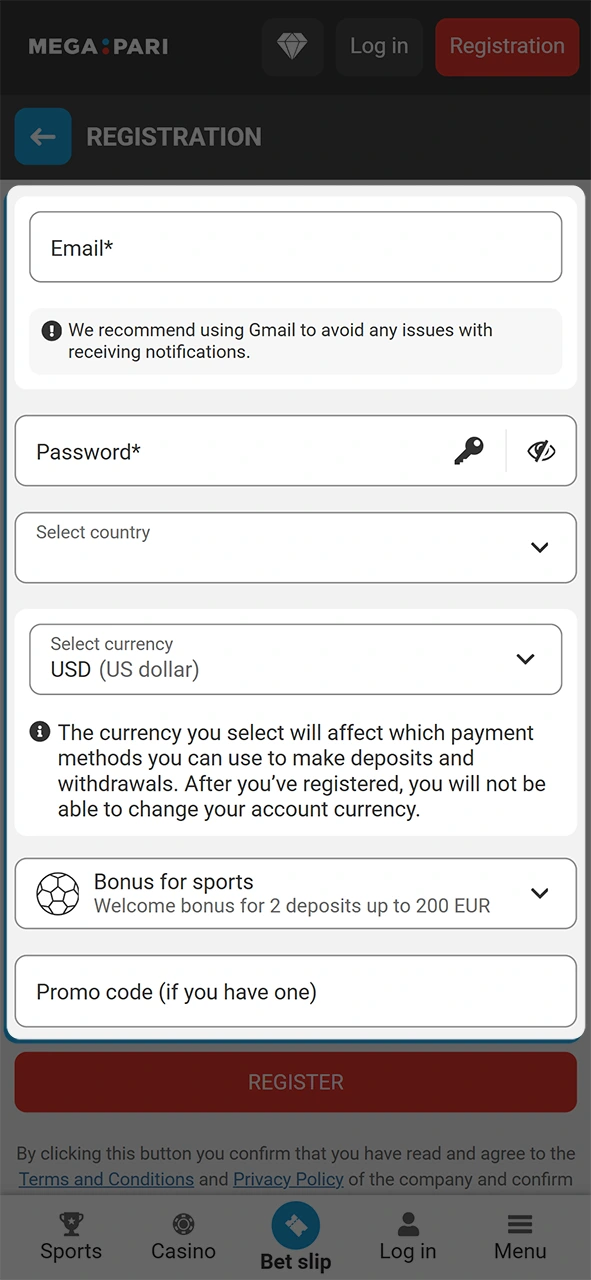
Fill in the required fields, including your country of residence and preferred currency. Over 50 currencies are supported.
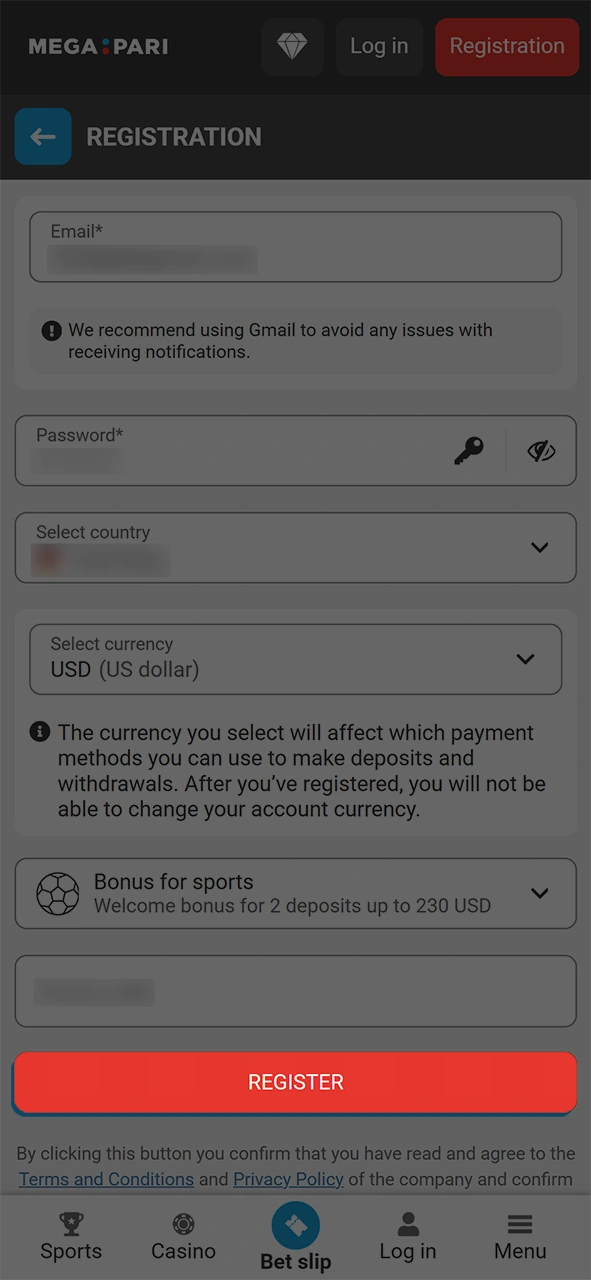
Accept the terms and conditions, confirm you are over 18, and tap the final confirmation button to complete registration.
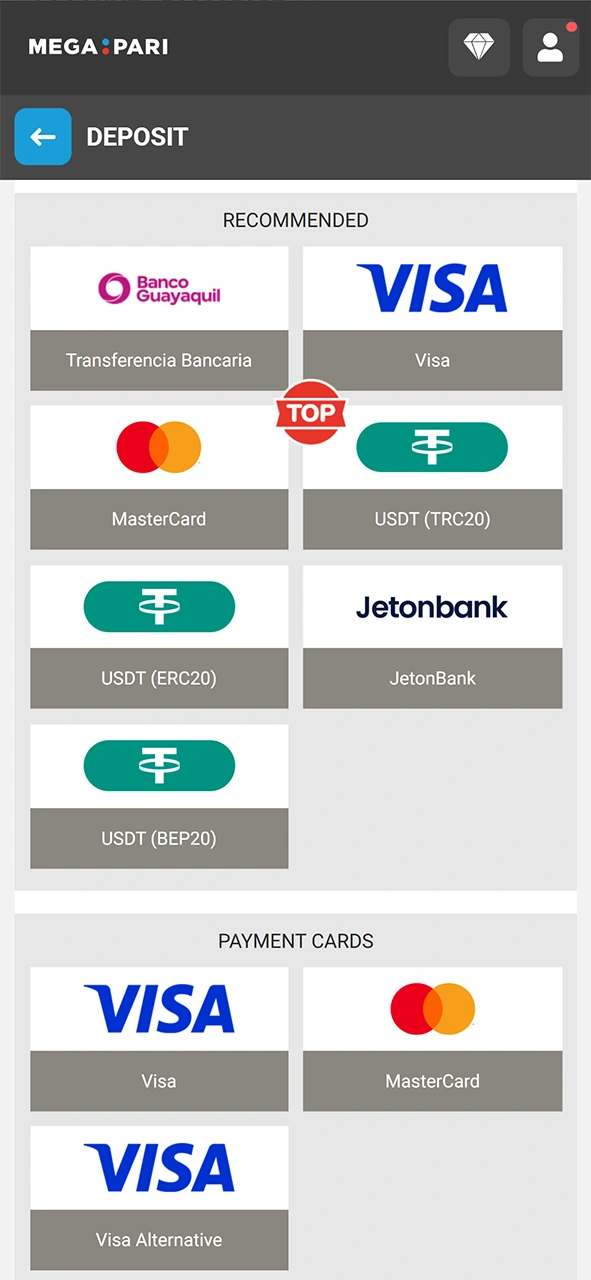
Once registered, go to the cashier, select your preferred payment method, and make your first deposit to claim the welcome bonus.
Updating the app regularly ensures you have access to the latest features, security patches, and performance improvements.
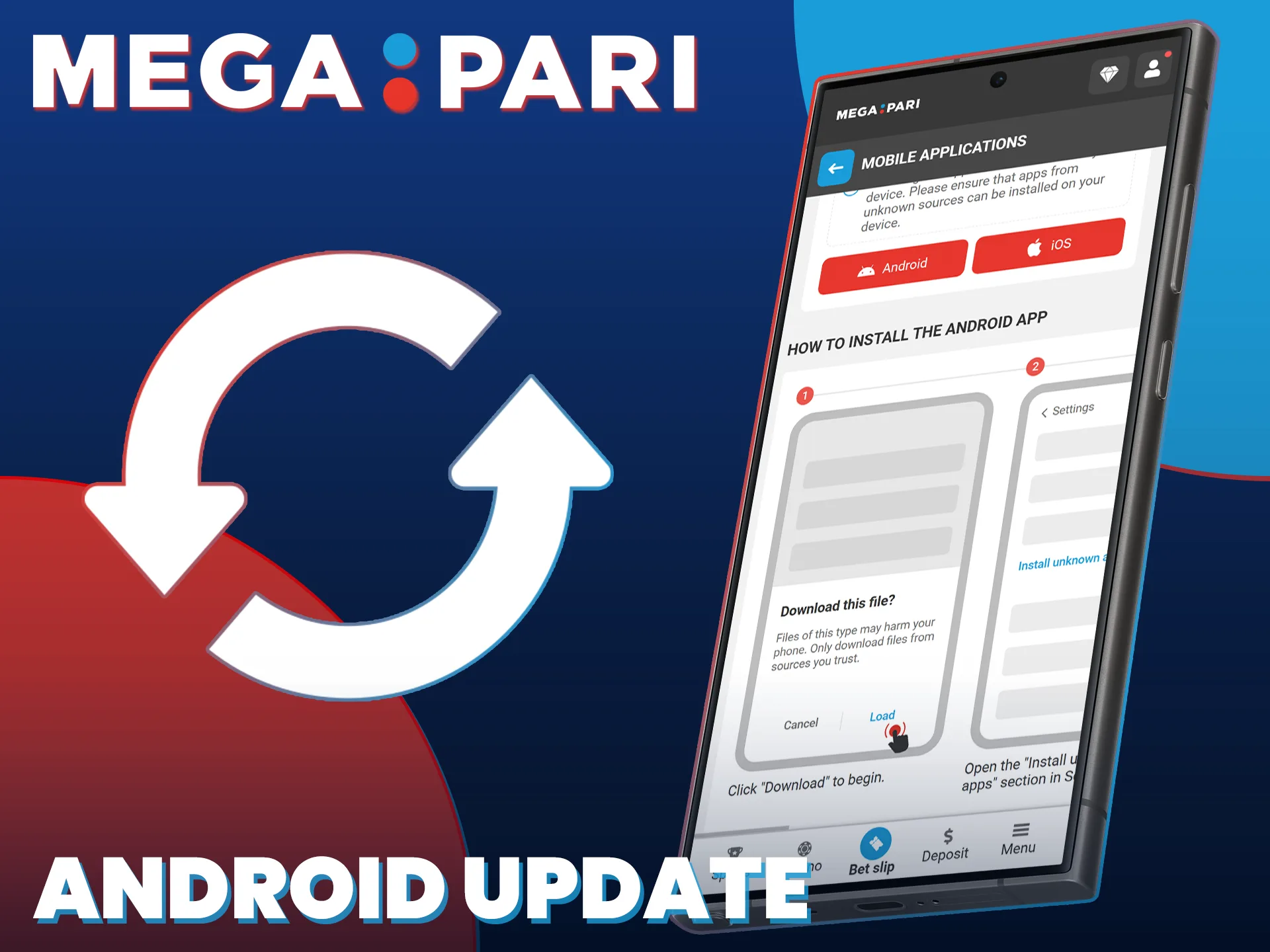
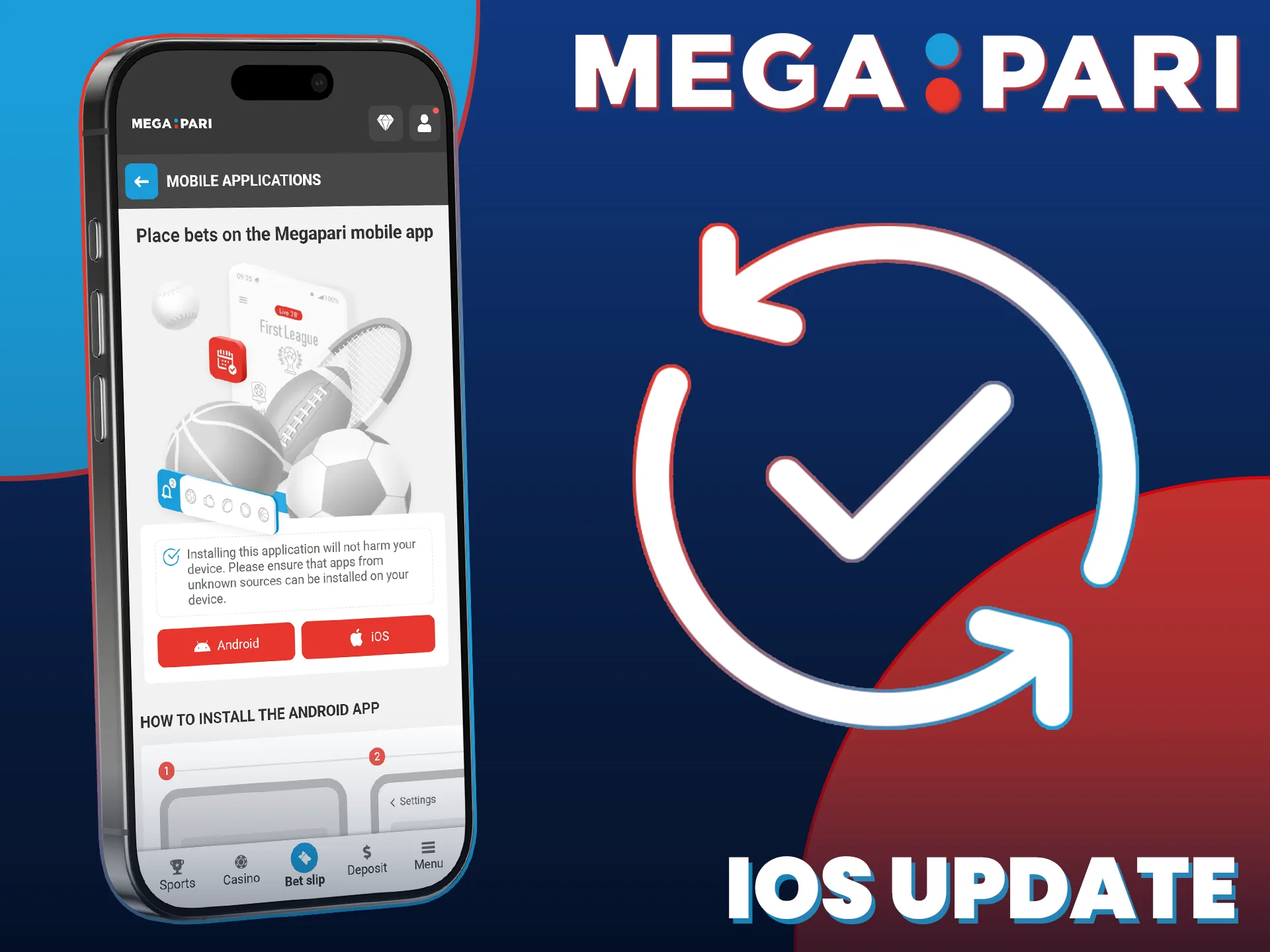
New MegaPari mobile app users can choose between a sports bonus or a casino bonus during registration.
Sports Bonus: Get up to 230 USD across your first two deposits. The bonus credits 100% of your first deposit and 50% of your second.
Casino Bonus: Receive up to 1,590 USD plus 150 free spins across your first two deposits.
To claim either bonus, select your preferred option during account registration, then complete your first deposit. The minimum qualifying deposit is 1 USD. Bonus funds are credited to your account instantly after the deposit is confirmed.
Placing your first bet in the MegaPari betting app takes less than two minutes once your account is funded.
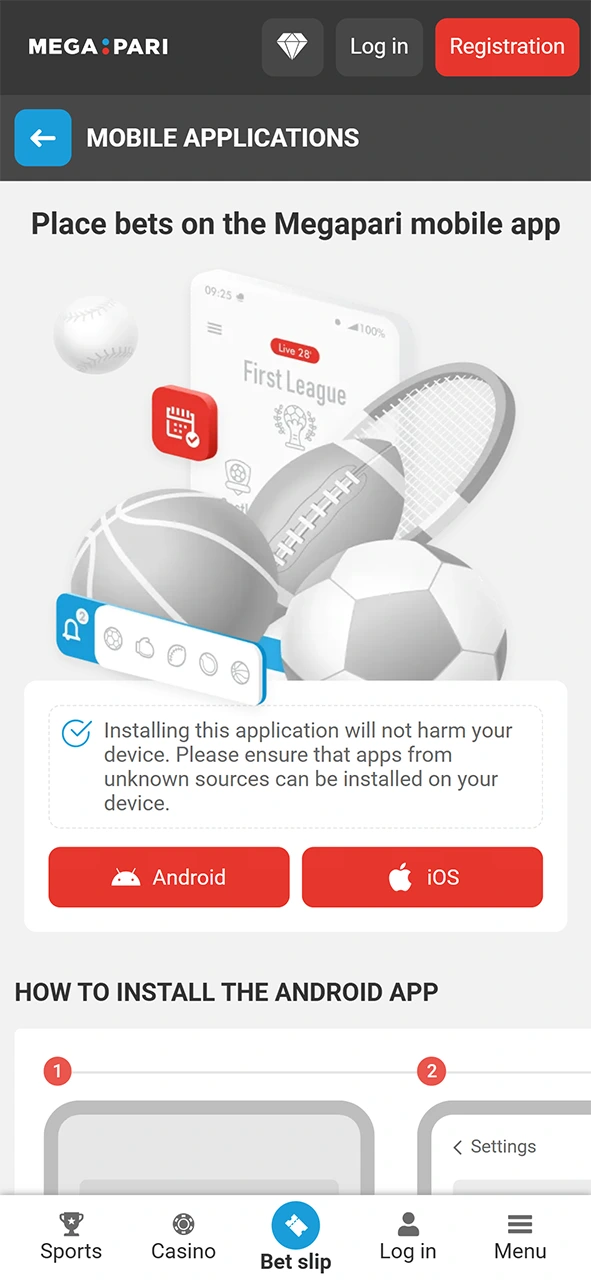
Tap the Start Betting button below, install the app, and log into your account.
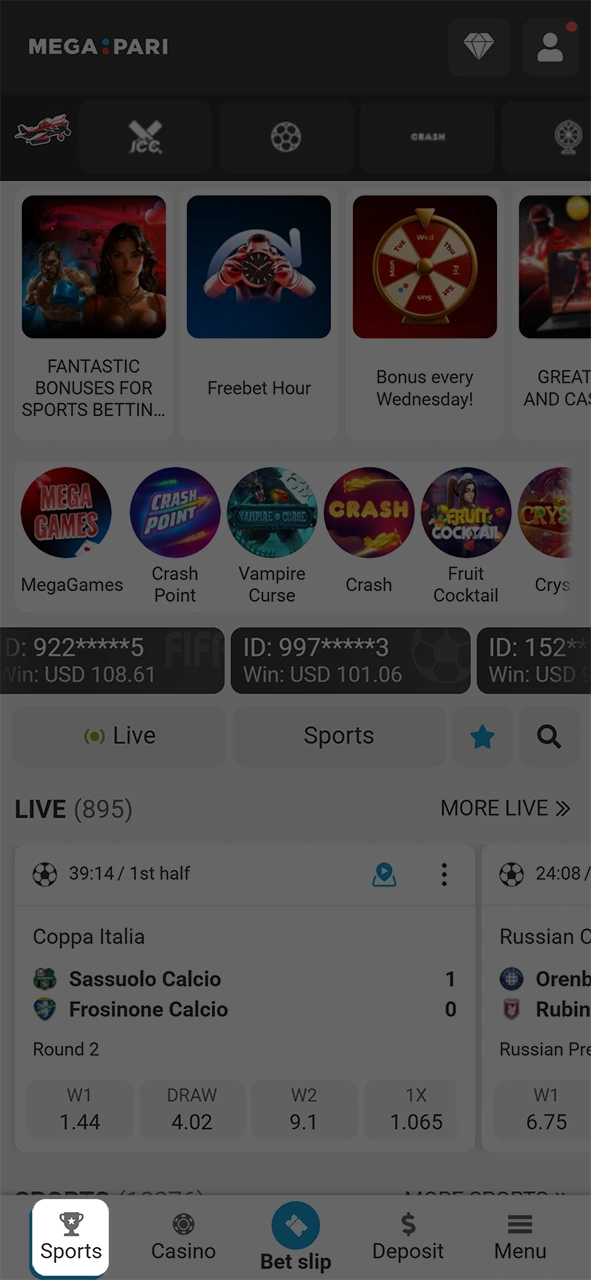
Tap “Sports” in the bottom navigation bar to access the full list of sports markets.
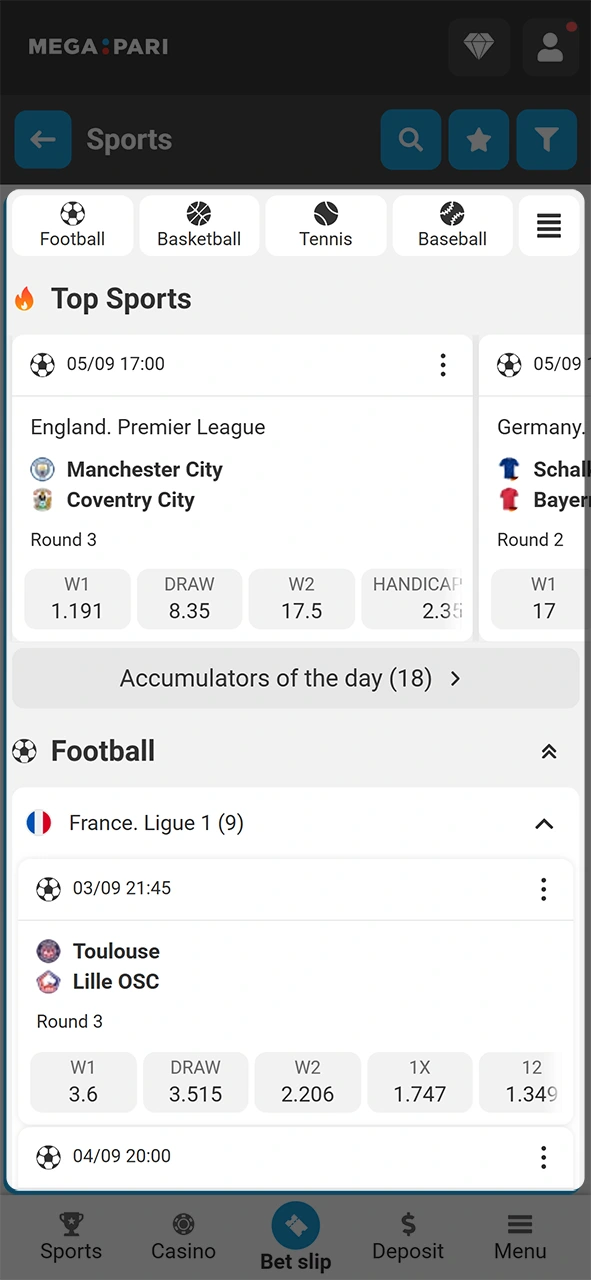
Choose your preferred sport, browse available matches, and tap on the event you want to bet on.
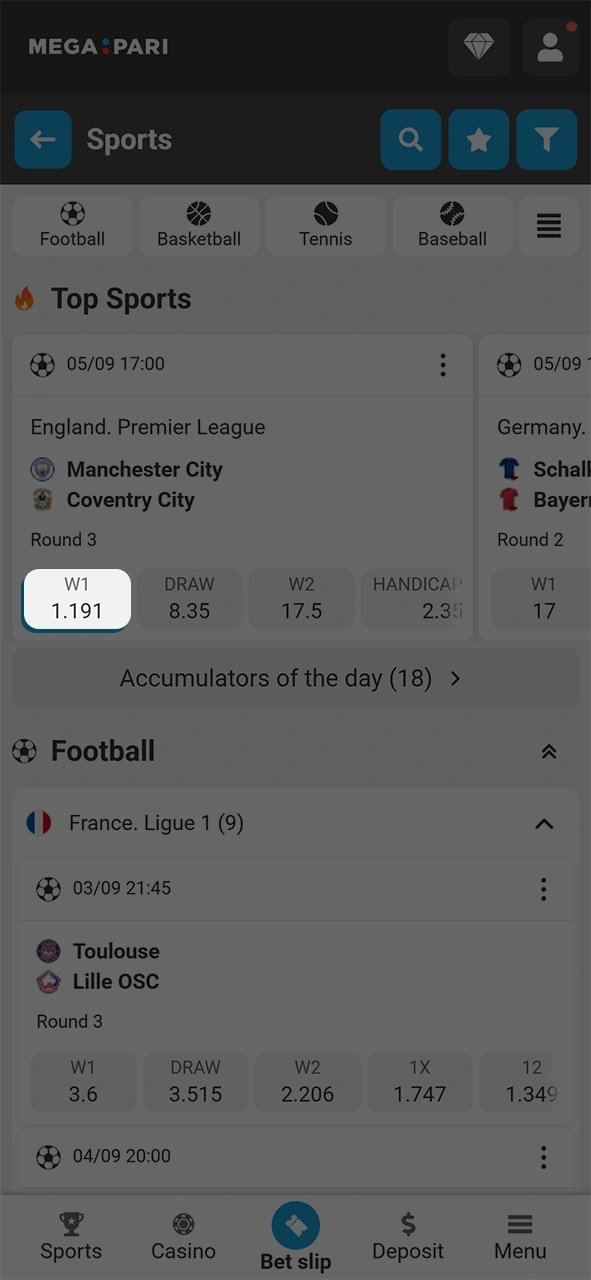
Select the betting market (for example, Match Winner or Total Goals) and tap the odds to add the selection to your bet slip.
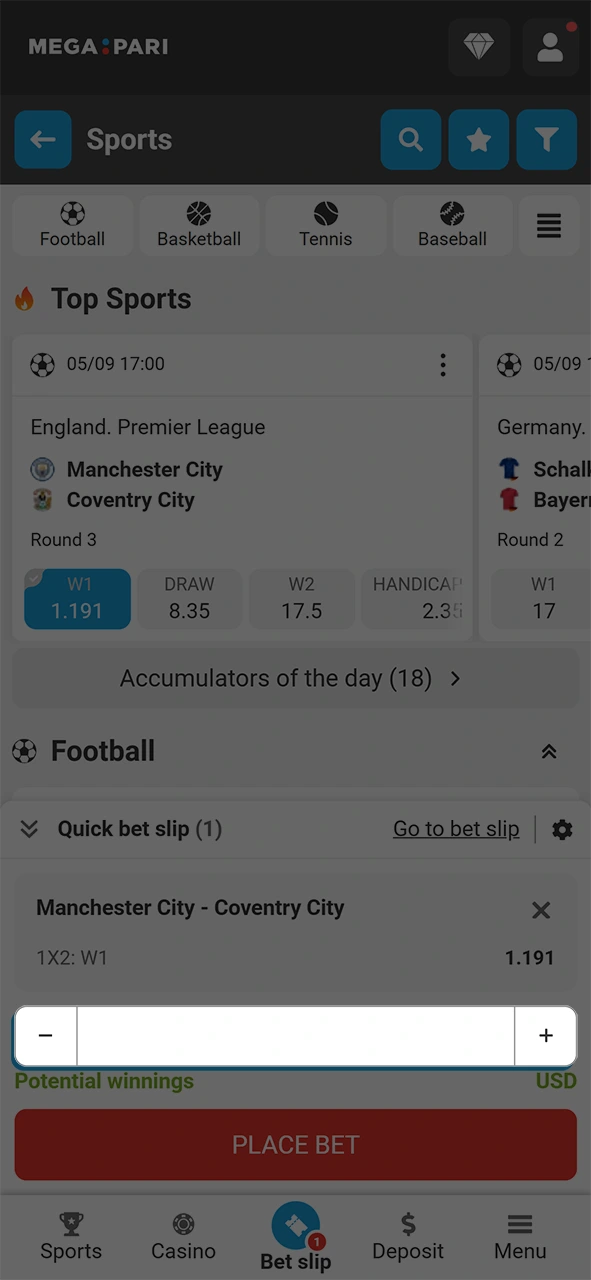
Enter your stake amount in the bet slip. The minimum bet starts at 0.1 USD equivalent.
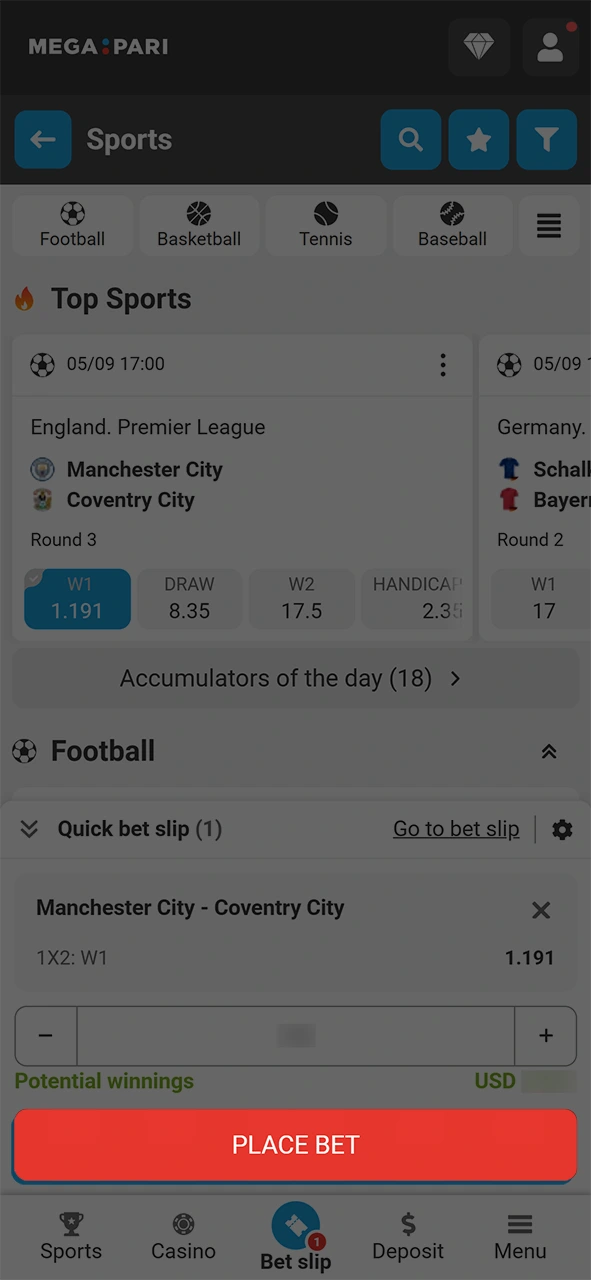
Review your bet slip and tap “Place Bet” to confirm. After the event concludes, withdraw your winnings or reinvest them in further bets.
The MegaPari mobile website is fully optimised for all smartphones and tablets and requires no download. Access the platform through any mobile browser to place sports bets, play casino games, make deposits, and request withdrawals. The mobile site delivers the same full range of services available on the desktop platform, with no features restricted.
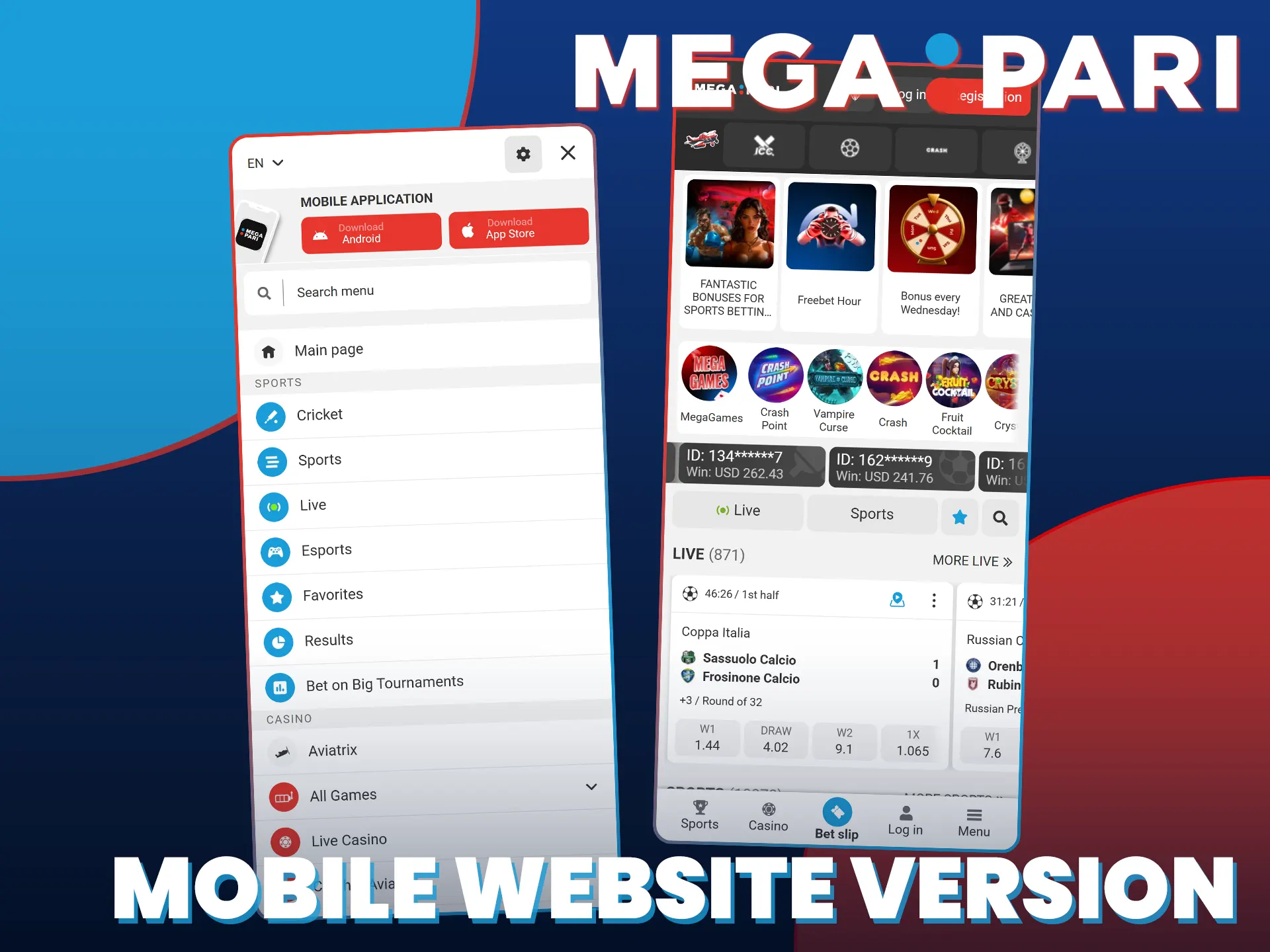
The MegaPari mobile website covers all core functions, but a significant portion of regular users prefer the dedicated app for daily use.
| Feature | Application | Mobile Site |
|---|---|---|
| Installation Required | Yes (free) | No |
| Load Speed | Faster (native) | Dependent on browser |
| Push Notifications | Yes | No |
| Offline Access | Partial (cached content) | No |
| Face ID / Biometric Login | Yes | No |
| Home Screen Access | Yes (app icon) | Requires browser bookmark |
| Performance on Slow Connections | Optimised | Standard |
| Automatic Updates | Via App Store or APK re-download | Always up to date |
The dedicated MegaPari app offers faster load times, biometric login, push notifications for live odds and promotions, and a more stable experience on slower mobile connections. For players who bet frequently on the go, the app provides a noticeably more responsive and convenient experience than the browser-based alternative.
The MegaPari betting app covers over 30 sports disciplines and thousands of events daily. Bets can be placed in both LIVE and LINE modes. Supported bet types include Single, Accumulator, System, and Chain bets. Every major league and official eSport tournament is covered, each with its own dedicated page showing team statistics, head-to-head records, and live match streaming.
Available sports disciplines include:
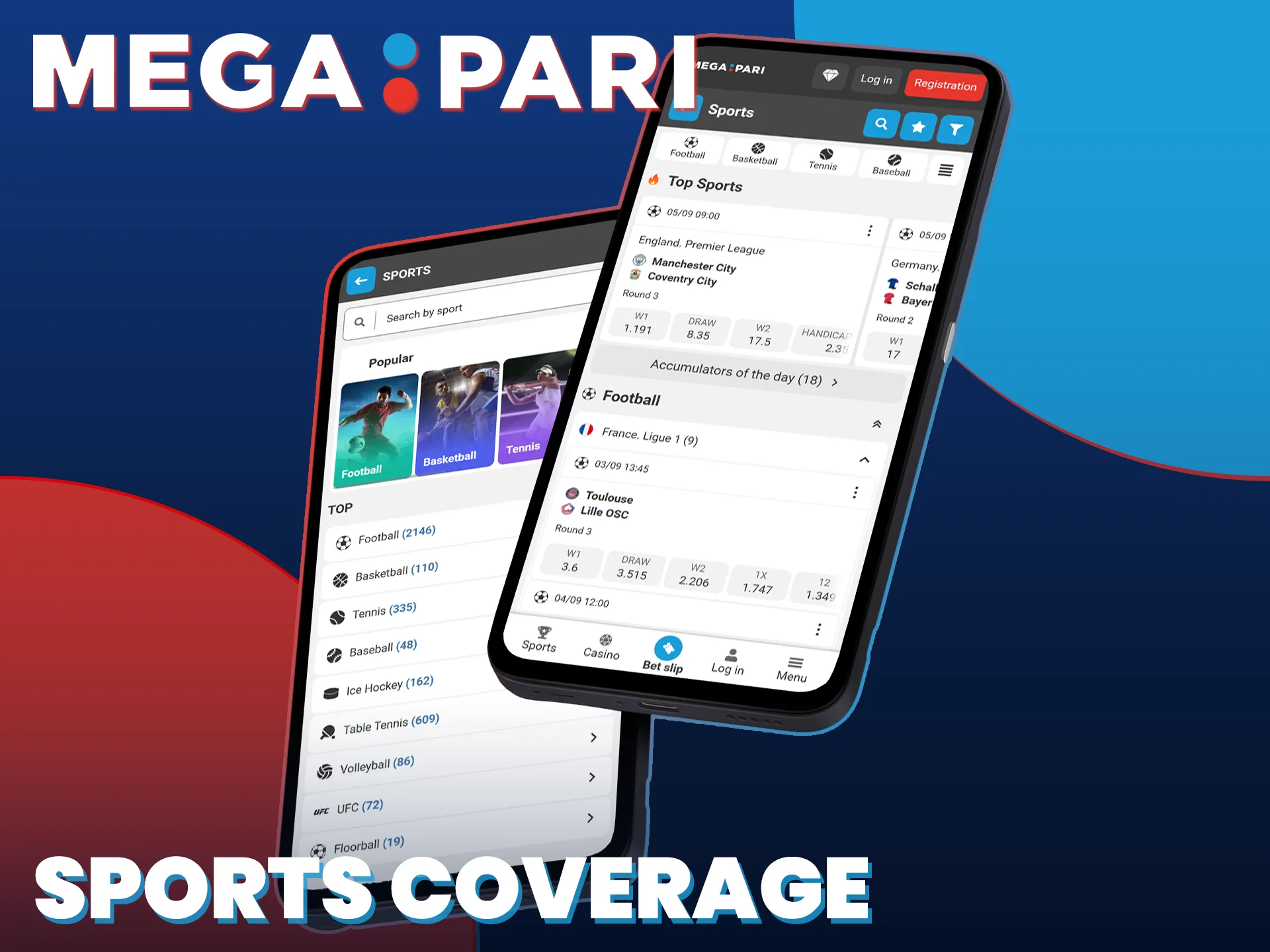
The MegaPari casino app puts thousands of titles at your fingertips. Popular live events appear directly on the home screen, so you can switch between sports betting and casino games in a single tap. The casino library features slots, table games, and crash games from over 100 providers, including Pragmatic Play, Evolution, and Hacksaw Gaming. The live casino section connects you to real dealers for Blackjack, Roulette, Baccarat, and game show titles. Exclusive in-app promotions and casino-specific bonuses are available regularly. Browse the Promotions section in the app to see all active offers.

The MegaPari mobile app delivers clear advantages that make it the preferred choice for players who bet on the go.
Place bets on over 30 sports and eSport disciplines in LIVE and LINE mode, available 24/7 from your mobile device.

The full casino library, including slots and live dealer tables from 100+ providers, is available directly in the app.

Deposits are credited instantly and most withdrawals process within minutes using crypto, e-wallets, or cards.

Receive real-time alerts for odds changes, match results, and exclusive app-only promotional offers.

Log in using Face ID or fingerprint recognition for faster and more secure account access.
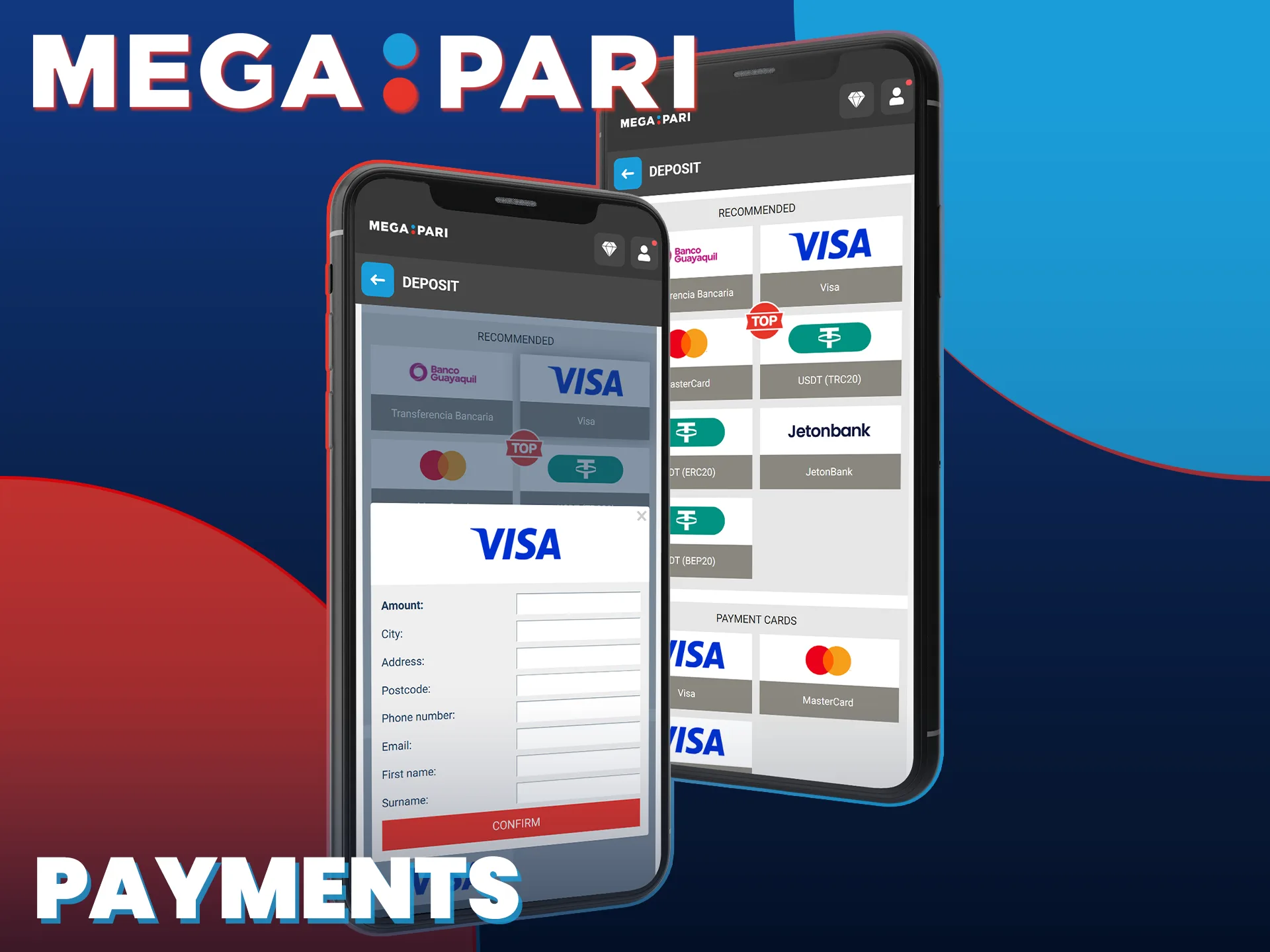
Users can make deposits and withdrawals through the MegaPari app using a broad selection of payment methods.
Available payment options include:
Deposits are credited to your account instantly after blockchain confirmation for crypto, or within minutes for e-wallets and cards. Most withdrawal methods process within 15 minutes. The minimum deposit is 1 USD equivalent. The minimum withdrawal amount is 1.5 USD equivalent, depending on the payment method selected.
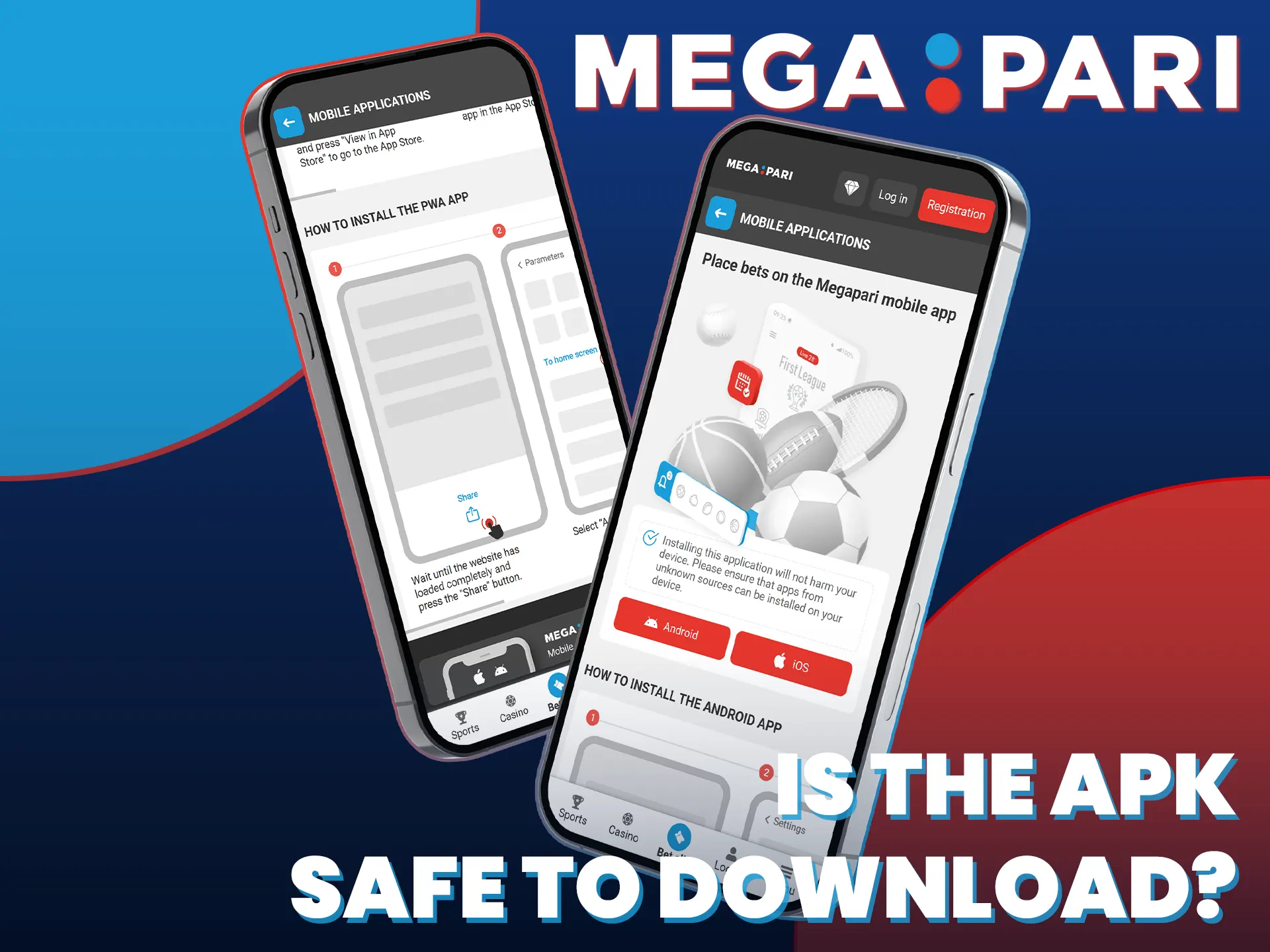
The MegaPari app operates under a legitimate Curacao eGaming License (No. 8048/JAZ), issued and regulated by an internationally recognised authority. All data transmitted through the app is protected by 256-bit SSL encryption. MegaPari applies two-factor authentication (2FA) and strict KYC verification procedures to prevent unauthorised account access. The APK file distributed on this page is the official version, free from third-party modifications.
Yes. A single MegaPari account works across the Android app, the iOS app, and the mobile website. All balances, bets, and transaction history sync automatically.
Yes. The app supports Bitcoin, USDT, Ethereum, and other cryptocurrencies for both betting and casino play. Crypto deposits confirm instantly after the required blockchain confirmations.
Yes. Registered and funded account holders can stream live sports events directly within the MegaPari app at no additional cost, subject to regional event availability.
The app provides access to 24/7 live chat support. Tap the support icon in the menu to connect with an agent. Email and Telegram support options are also listed in the Help section.
Yes. The MegaPari app supports saved login credentials and biometric authentication (Face ID and fingerprint) on compatible devices, removing the need to re-enter your password each session.
Updated: