
MegaPari Login: Fast Account Access Anytime
Log in to your MegaPari account via the official website or the dedicated mobile app, available for Android and iOS. Enter your registered email or phone number and password to access your full account in seconds. Once registered and verified, you can log in 24/7 to place sports bets, play casino games, claim bonuses, and manage transactions, all protected by SSL encryption and optional two-factor authentication (2FA).
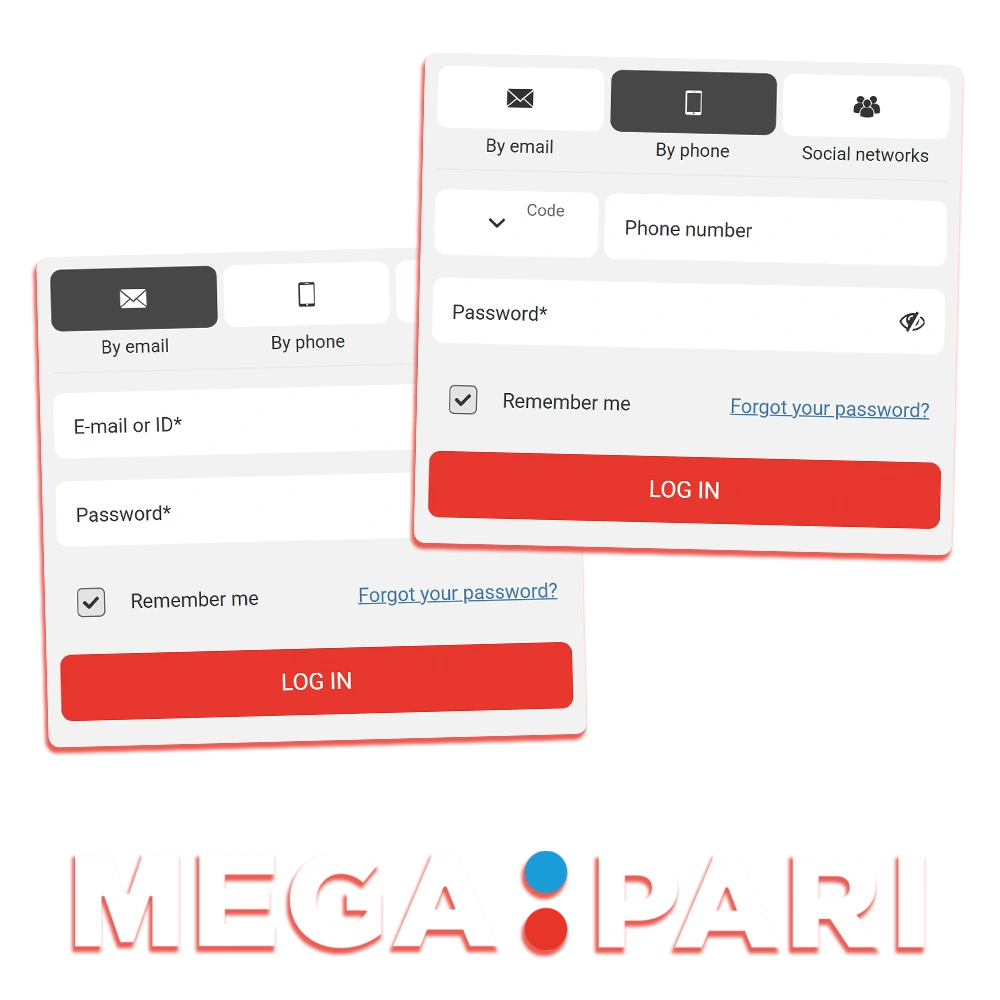
MegaPari Account Login Options
MegaPari supports multiple login methods so you can access your account from any device. Available methods include: email and password, phone number and password, one-click social login (Google, Telegram, Steam, Twitch, and others), and the MegaPari mobile app.
Login via Email and Password
The email and password method is the standard MegaPari sign in route. It works on all devices and browsers without any additional app.
- Go to the MegaPari official website and click the “Login” button in the top right corner.
- Select the “Email” tab in the login form.
- Enter the email address linked to your account and your password.
- Click “Sign In” to access your account.
Login via Phone Number
The phone number login is a fast alternative if you registered using a mobile number instead of an email address.
- Open the MegaPari login screen and click the “Login” button.
- Select the “Phone” tab in the login form.
- Enter your country code and registered phone number, then type your password.
- Click “Sign In” to enter your account.
Login via Social Account or Third-Party Service
MegaPari allows one-click access through linked social and gaming accounts, including Google, Telegram, Steam, and Twitch, removing the need to type credentials manually.
- Click “Login” on the MegaPari official website.
- Select your preferred social platform icon from the login options.
- Authorize the connection through the third-party platform’s own prompt.
- You will be redirected back to your MegaPari account automatically.
Login via the MegaPari Mobile App
The MegaPari app for Android and iOS stores your login preferences, enabling faster access compared to a mobile browser session.
- Download and install the MegaPari app from the official website.
- Open the app and tap the “Login” button on the home screen.
- Enter your email or phone number and password, or tap a social login icon.
- Tap “Sign In” to reach your account dashboard.
How to Log In to MegaPari via the Mobile App
The MegaPari mobile app delivers the full platform experience on your phone, with biometric login support and push notifications not available in the browser version. Follow these steps to log in through the app.
Download the app
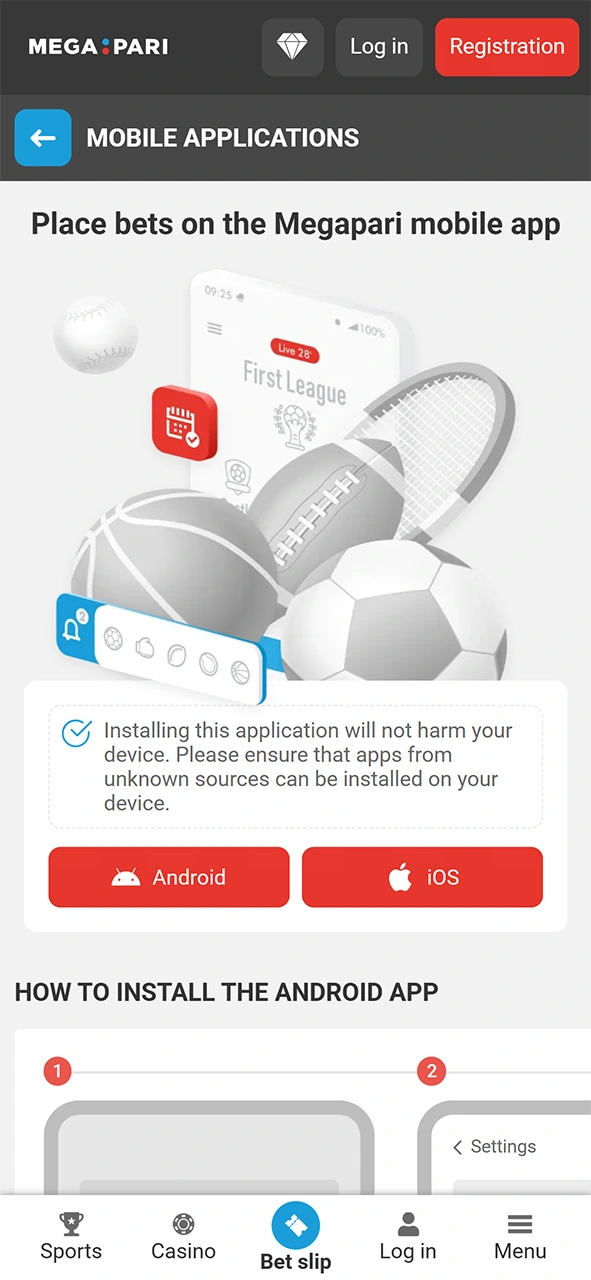
Tap the “Download App” button on this page to get the MegaPari app for Android (.apk) or iOS directly from the official site.
Install and open the app
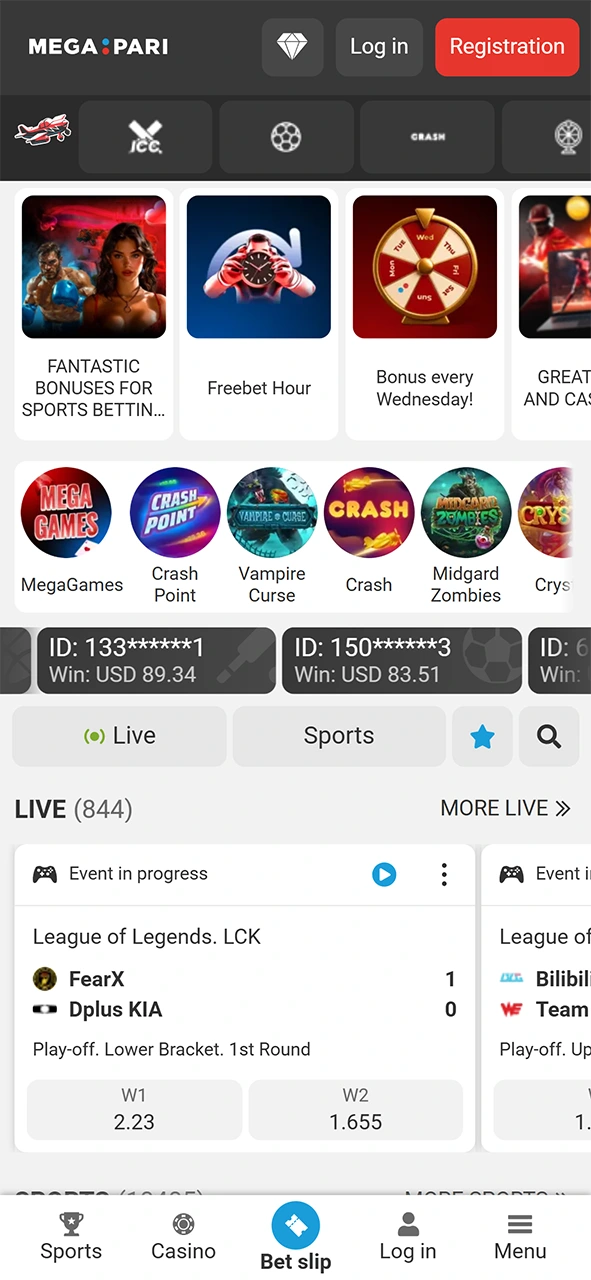
On Android, enable installation from unknown sources in your device settings before installing the .apk. iOS users can install directly. Open the app once installation is complete.
Tap “Login”
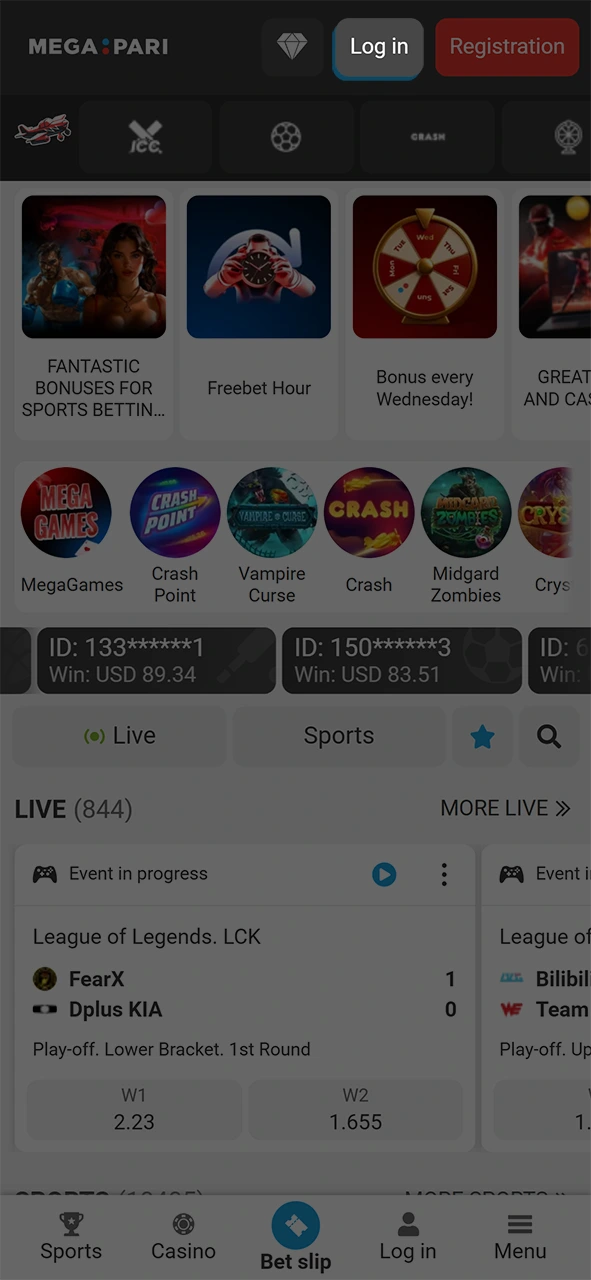
Select the “Login” button on the app’s home screen.
Enter your credentials or use a social login
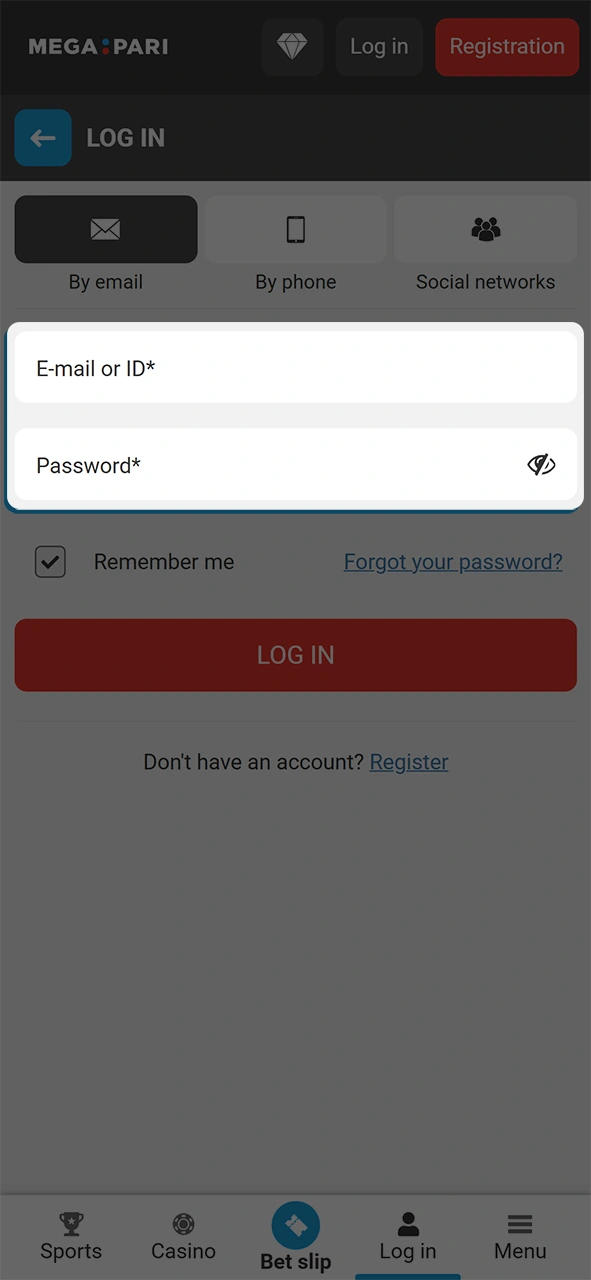
Type your registered email or phone number and password. Alternatively, tap the Google, Telegram, Steam, or Twitch icon for one-tap access.
Access your account
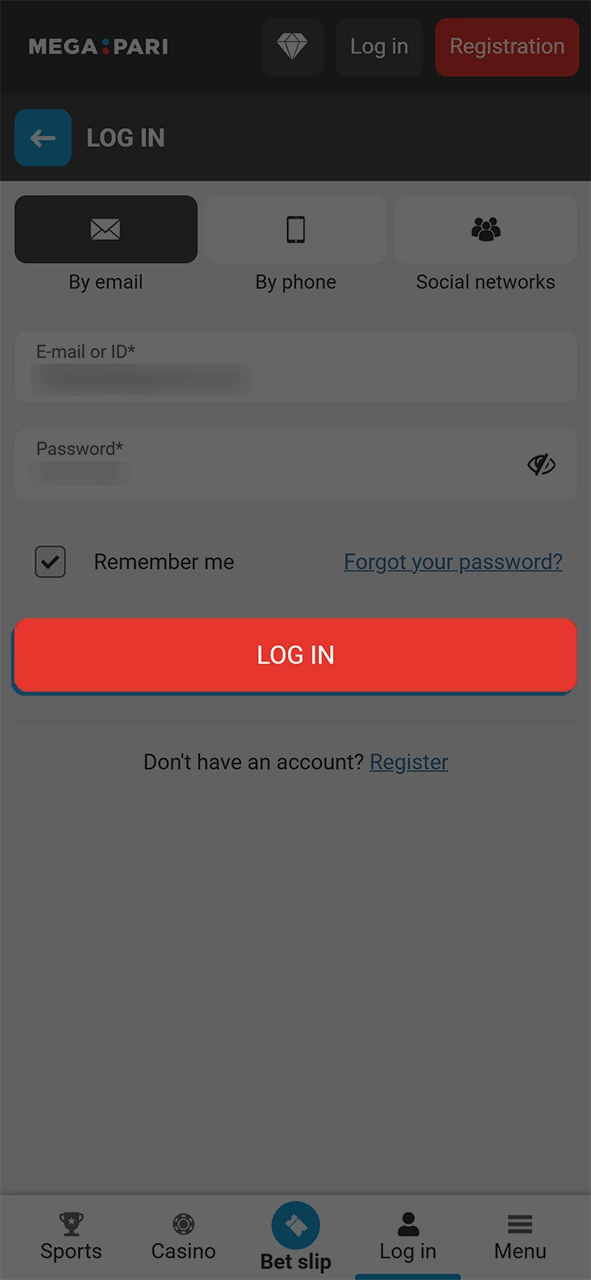
Tap “Sign In.” Your account dashboard loads instantly, giving you access to sports betting, casino games, your active bonuses, and the cashier.
Common MegaPari Login Problems and Solutions
Most MegaPari account login issues have a straightforward fix. The table below covers the most frequent problems and the recommended steps to resolve them.
| Problem | Solution |
|---|---|
| Forgotten password | Click “Forgot Password” on the login screen. Enter your registered email or phone number to receive a reset link or code. |
| Incorrect email or phone number | Double-check the credentials used during registration. If you registered with a phone number, use the “Phone” tab instead of “Email.” |
| Account temporarily locked after multiple failed login attempts | Wait 15 minutes, then try again. If the lock persists, contact MegaPari support via live chat, available 24/7. |
| Two-factor authentication code not received | Check that your phone number or authenticator app is still active. Request the code again. If using SMS, confirm your number has signal and is not blocking shortcode messages. |
| Social login not working | Ensure the social account (Google, Telegram, Steam, or Twitch) is still linked to your MegaPari profile. Log in with your email or phone number instead, then re-link the social account from your profile settings. |
How to Recover a Forgotten MegaPari Password
Password recovery on MegaPari takes under two minutes. You can reset your credentials via email link or SMS code, depending on how your account is registered.
Click the “Forgot Password” link on the MegaPari login page
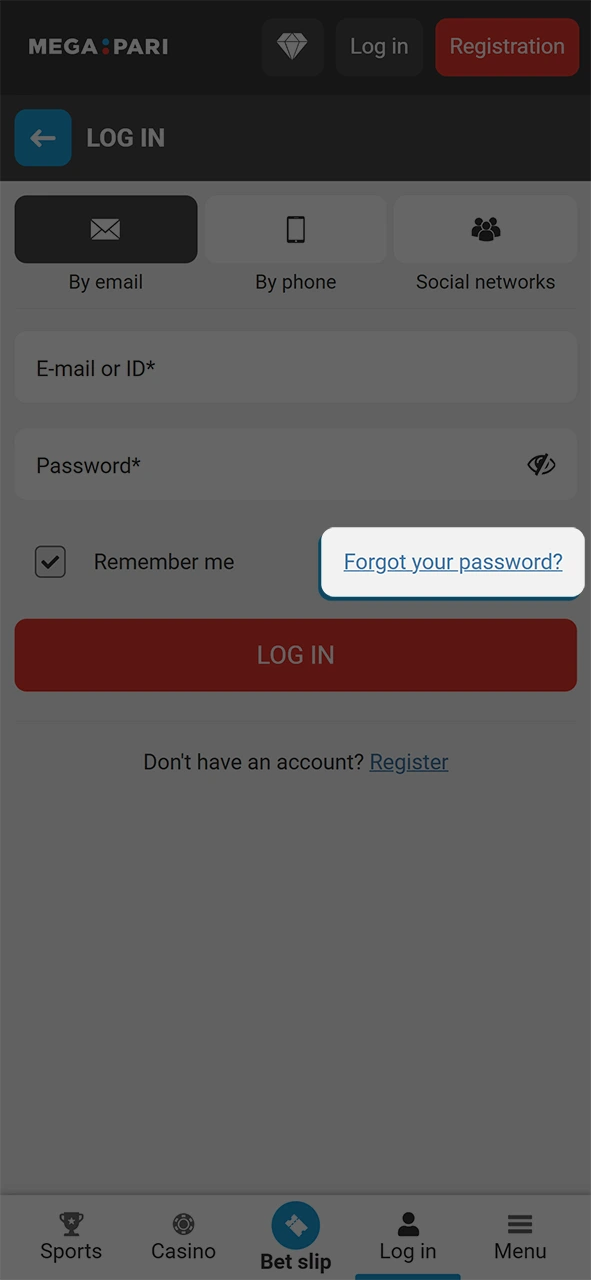
Select your recovery method
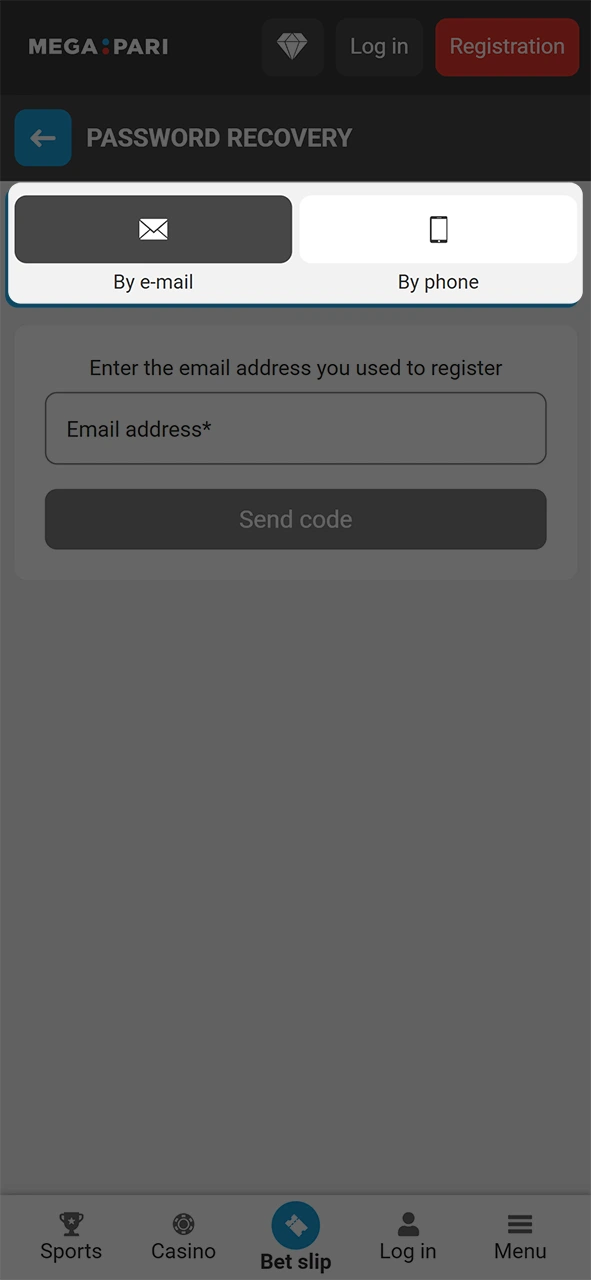
Enter your registered email address or your registered phone number.
Click the reset link or enter the code
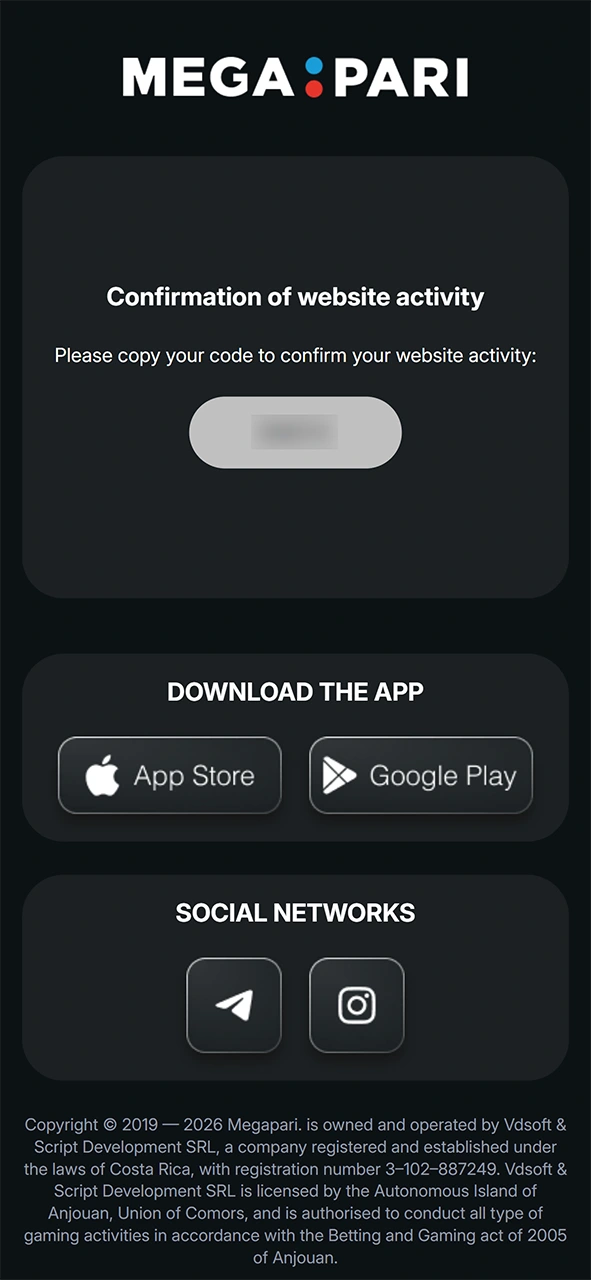
Click the reset link or enter the code, then type and confirm your new password.
Log in using your new password
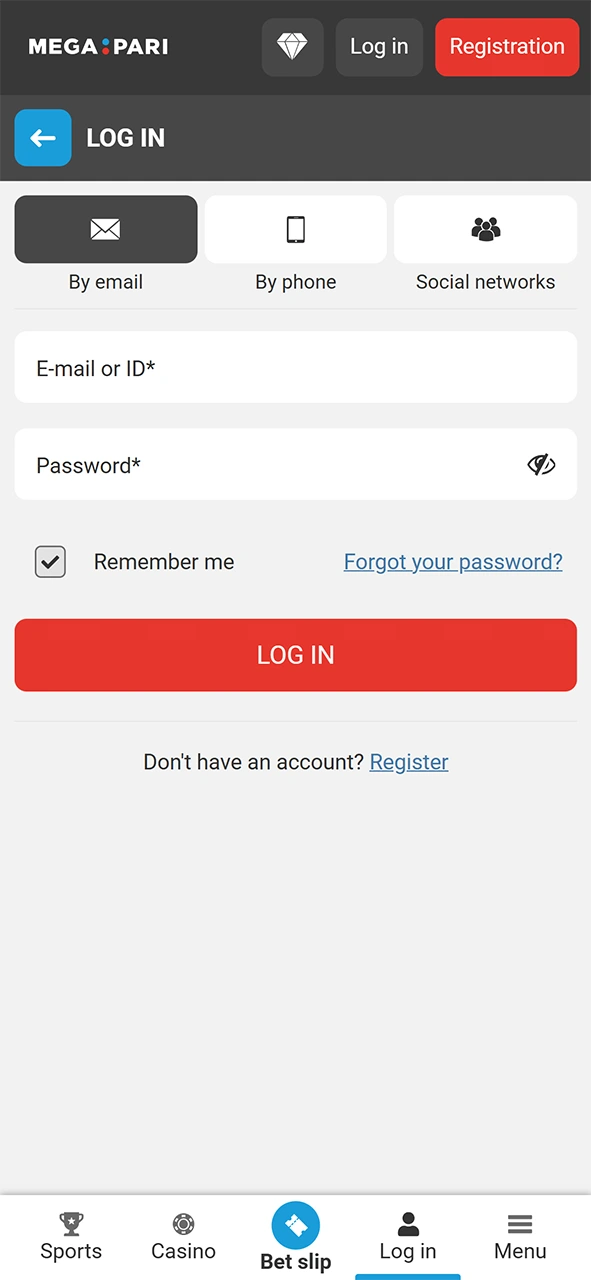
Log in using your new password. Enable two-factor authentication in your account security settings to protect your profile going forward.
FAQ
Can I stay logged in to MegaPari between sessions?
Yes. Select Remember Me on the login form to keep your session active on a trusted personal device. For shared or public devices, always log out manually after each session.
Is it possible to be logged in on more than one device at the same time?
Yes. MegaPari allows concurrent sessions across multiple devices. You can be active on the website and the mobile app simultaneously under the same account.
Does MegaPari offer two-factor authentication for added security?
Yes. 2FA can be activated in your account security settings. Once enabled, every login requires a one-time code from your authenticator app or via SMS in addition to your password.
My account has been blocked. How do I regain access?
A blocked account requires direct contact with MegaPari support. Reach the support team via 24/7 live chat on the official website. Provide your registered email or phone number and follow the verification steps the support agent requests.
Can I change my login email or phone number after registration?
Yes. Log in to your account, go to your personal profile settings, and update your email address or phone number. MegaPari will send a verification step to confirm the change before it takes effect.
Updated: