
MegaPari Withdrawal Methods, Time and Limits
MegaPari supports a wide range of withdrawal options, including Bitcoin, USDT, Ethereum, e-wallets like Skrill, Neteller, and Jeton, plus Visa and Mastercard. The minimum withdrawal starts at 1.50 USD, with limits reaching up to 40,000 USD per transaction. Crypto withdrawals process within 15 minutes, while e-wallets and cards take up to 5 business days. New players can claim a sports welcome bonus of up to 230 USD across their first two deposits, or a casino welcome package of up to 1,590 USD plus 150 free spins.
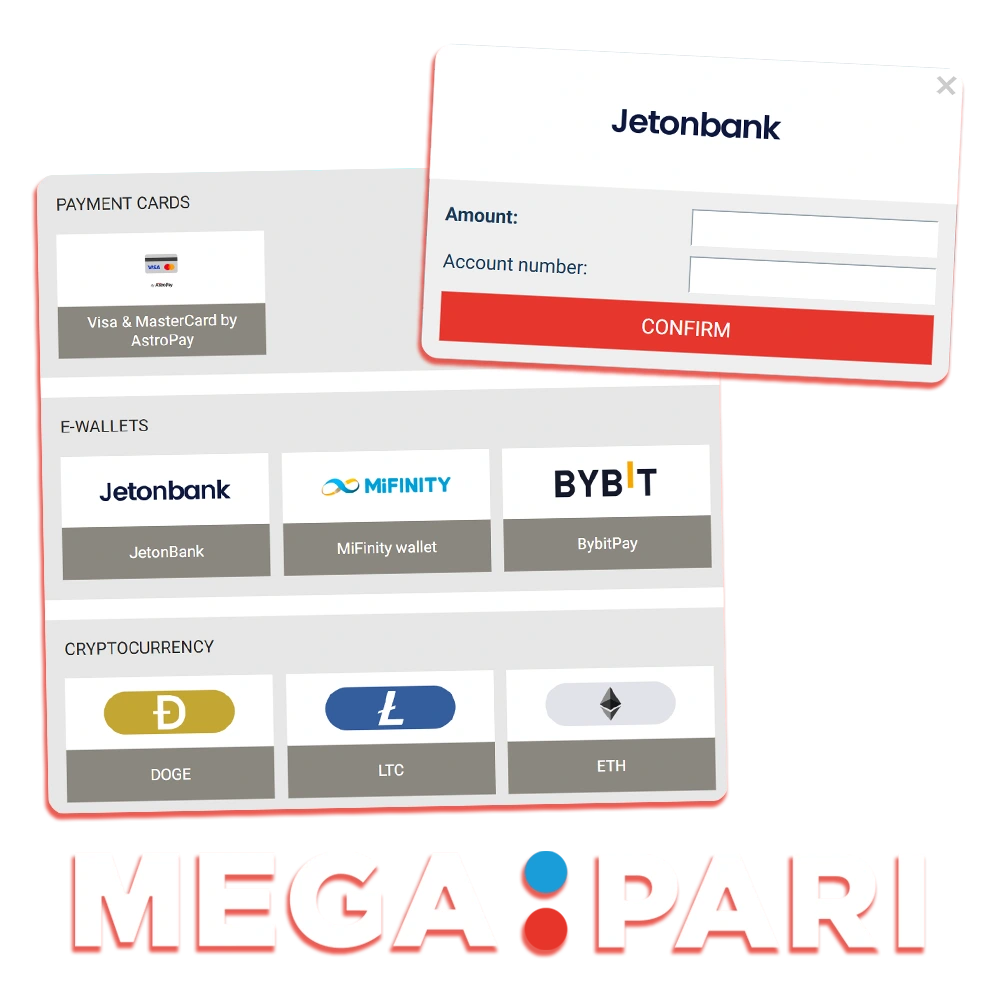
Available MegaPari Withdrawal Methods
MegaPari offers multiple payment methods for withdrawing funds, and no commission is charged to players on any withdrawal transaction. The minimum withdrawal amount is 1.50 USD and the maximum reaches 40,000 USD per request, with processing times ranging from 15 minutes for crypto to up to 5 business days for cards.
| Payment Method | Min Withdrawal | Max Withdrawal | Withdrawal Time | Fees |
|---|---|---|---|---|
| Bitcoin (BTC) | 0.00003 BTC | No limit | Up to 15 min | None |
| USDT (TRC-20) | 5 USDT | No limit | Up to 15 min | None |
| Ethereum (ETH) | 0.01 ETH | No limit | Up to 15 min | None |
| Skrill | 10 USD | 40,000 USD | Up to 24 hours | None |
| Neteller | 10 USD | 40,000 USD | Up to 24 hours | None |
| Jeton | 10 USD | 40,000 USD | Up to 24 hours | None |
| Visa | 10 USD | 40,000 USD | 1–5 business days | None |
| Mastercard | 10 USD | 40,000 USD | 1–5 business days | None |
How to Withdraw Money from MegaPari
To withdraw funds from your MegaPari account, you need a verified account and at least one completed deposit using your chosen payment method. The process takes under 5 minutes to initiate.
Log In to Your Account
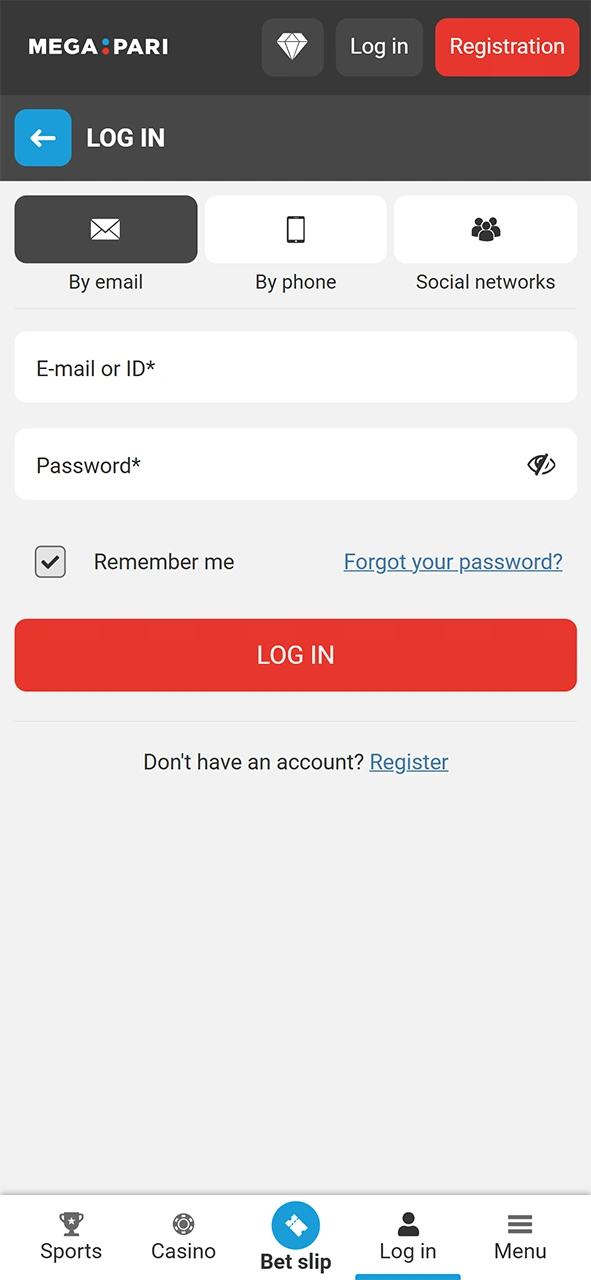
Open MegaPari and log in using your registered email and password. Make sure your account is fully verified before proceeding to the cashier.
Go to the Cashier Section
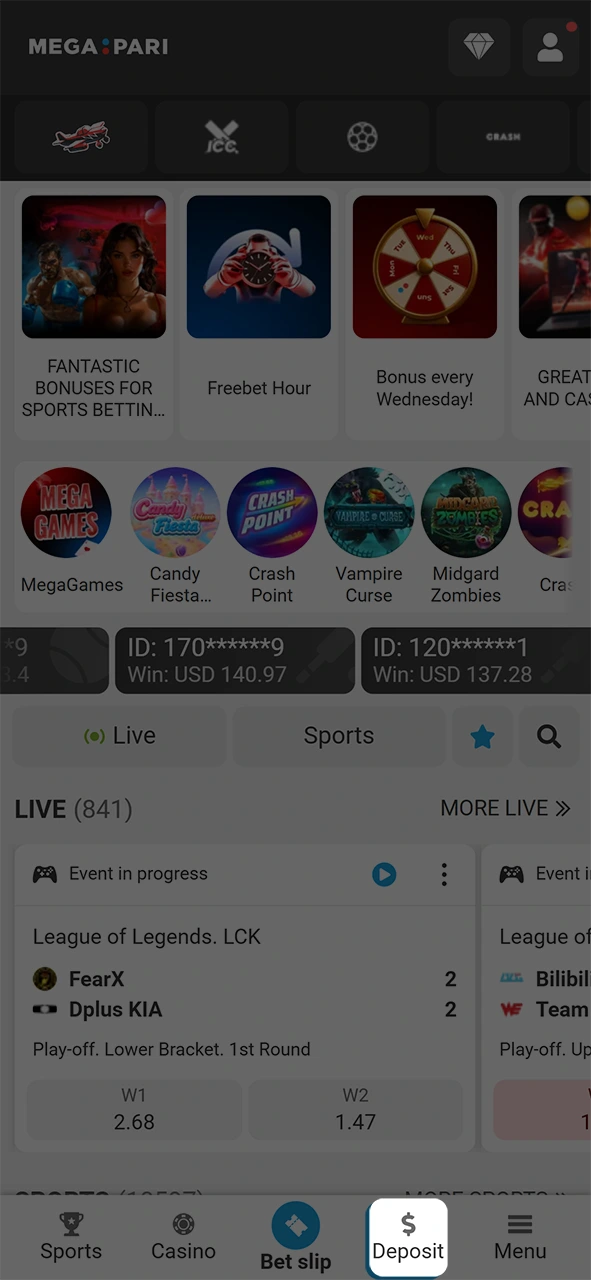
Click on your account balance or the cashier icon in the top navigation area. Select “Withdraw” from the available options in the dropdown or menu.
Choose Your Withdrawal Method
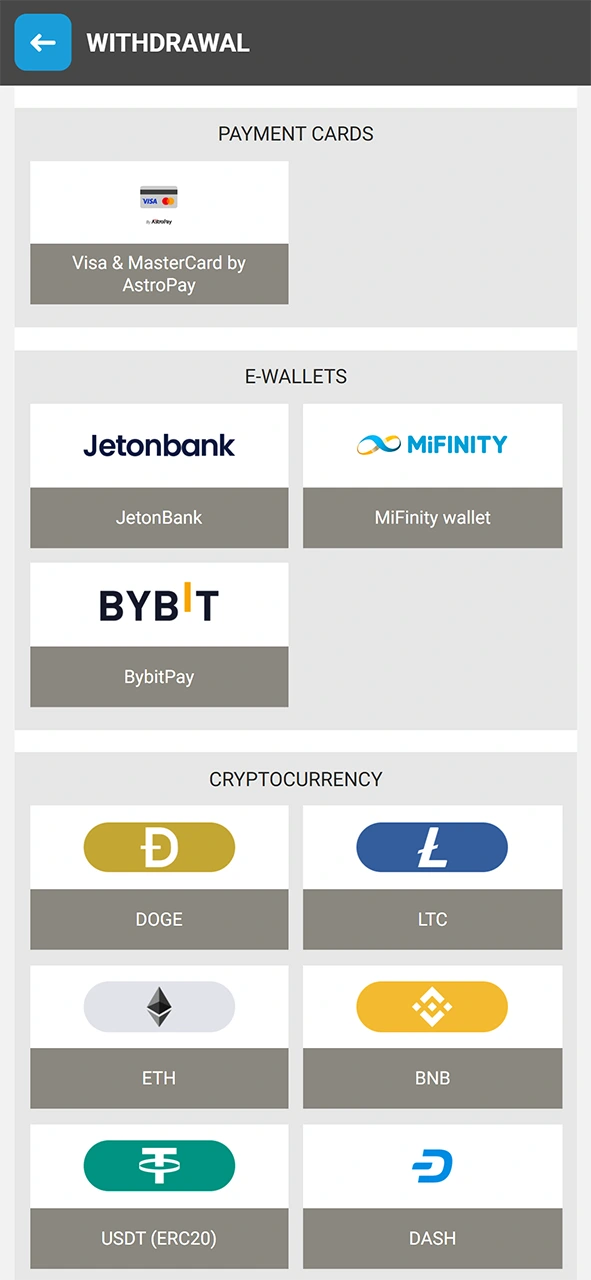
Select your preferred payment method from the list, such as Bitcoin, USDT, Skrill, Neteller, Jeton, Visa, or Mastercard. The method must match the one used for your deposit.
Enter the Withdrawal Amount and Details
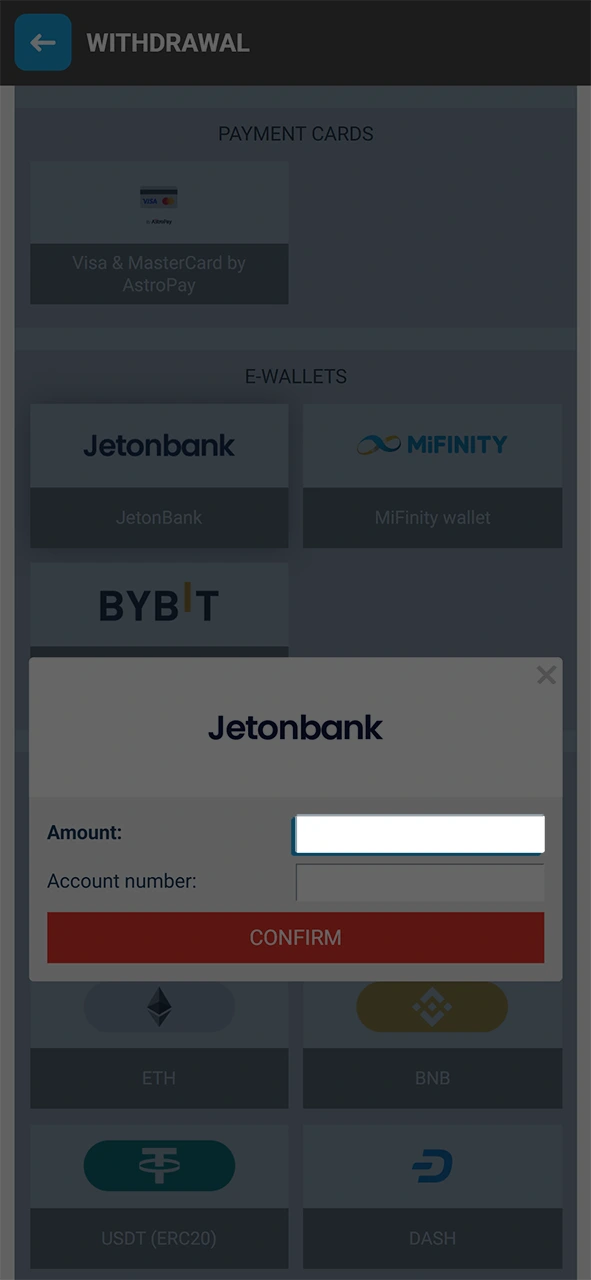
Input the amount you wish to withdraw, ensuring it meets the minimum threshold of 1.50 USD. Enter your wallet address, e-wallet account ID, or card details accurately to avoid processing delays.
Confirm Your Withdrawal Request
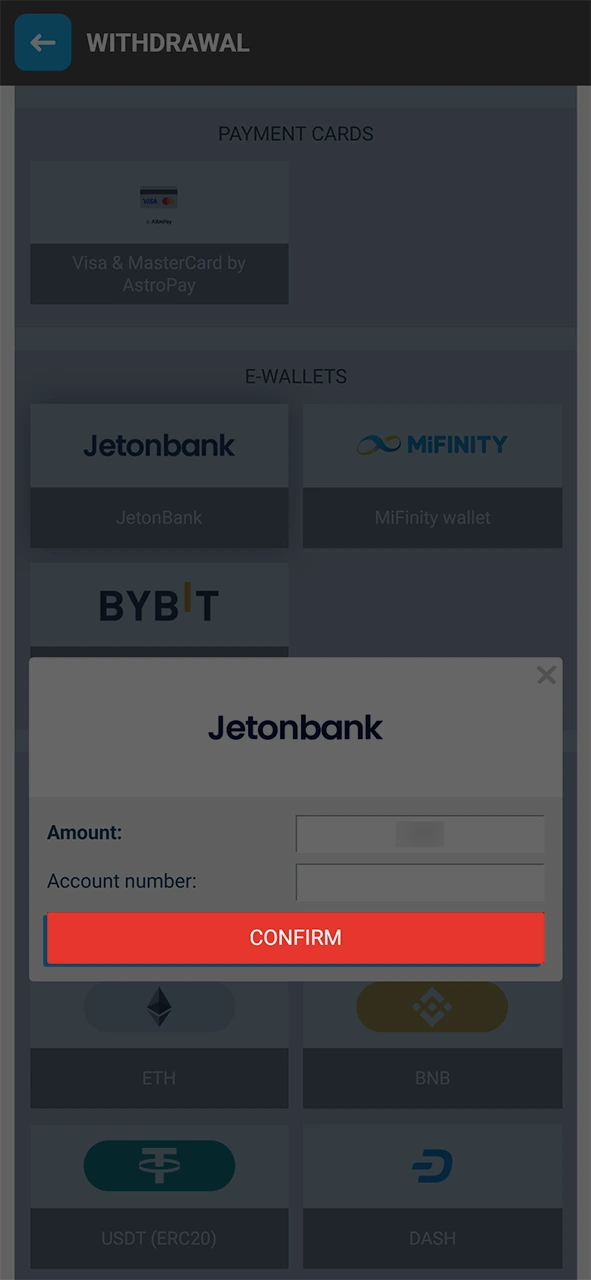
Review all entered details and click “Confirm” to submit your withdrawal request. Crypto transactions are processed within 15 minutes, while e-wallets and cards may take up to 5 business days.
MegaPari Withdrawal Rules and Conditions
Before submitting a withdrawal request on MegaPari, players must meet specific platform conditions to ensure secure and compliant transactions. The following rules apply to all withdrawal activity on the platform:
- Identity Verification (KYC): All players must complete KYC verification by submitting a valid government-issued ID and proof of address before their first withdrawal is approved;
- Deposit Method Match: Withdrawals must be processed using the same payment method as the deposit, up to the deposited amount, to comply with anti-money laundering (AML) policy;
- Bonus Wagering Requirements: Any active bonus funds must meet the applicable wagering requirements before the associated balance becomes eligible for withdrawal;
- Minimum Withdrawal Threshold: Each withdrawal request must meet the minimum amount for the selected method, starting at 1.50 USD for crypto and 10 USD for e-wallets and cards;
- Account in Good Standing: Your MegaPari account must be active, fully verified, and free of any pending security reviews or flagged activity for withdrawals to be processed without delay.
Possible Problems with MegaPari Withdrawals
Several common issues can delay or block a withdrawal request on MegaPari, each with a straightforward resolution:
- Pending KYC Verification: If your identity has not been verified, your withdrawal will be placed on hold. Submit your government-issued ID and proof of address through the account verification section to complete the process;
- Mismatched Payment Method: Withdrawals must be sent to the same method used for the deposit. If your deposit method is no longer available, contact support to discuss an approved alternative;
- Active Bonus Wagering Requirement: Funds tied to an active bonus cannot be withdrawn until the wagering requirement is fully met. Check your current bonus status in the “My Bonuses” section of your account;
- Insufficient Withdrawal Amount: Requests below the minimum threshold for the selected method will be rejected automatically. Ensure your withdrawal amount meets the minimum: 1.50 USD for crypto or 10 USD for e-wallets and cards;
- Incorrect Wallet or Account Details: Entering an invalid crypto wallet address or e-wallet ID will cause the transaction to fail. Double-check all payment details before confirming your withdrawal request.
MegaPari Customer Support
If you encounter any issues with your withdrawal, MegaPari’s support team is available 24/7 to assist you through multiple contact channels:
- Live Chat: Access instant support directly through the MegaPari website by clicking the live chat icon available on every page;
- Email: Send a detailed message to [email protected] for account-specific or documentation-related queries;
- Telegram: Reach the support team via the official MegaPari Telegram channel at t.me/MegaPari_support for quick responses;
- Help Center / FAQ: Browse the MegaPari Help Center for instant answers to common withdrawal, verification, and payment questions without waiting for an agent.
FAQ
How long does a MegaPari withdrawal take?
Crypto withdrawals on MegaPari, including Bitcoin, USDT, and Ethereum, are processed within 15 minutes. E-wallet withdrawals via Skrill, Neteller, or Jeton take up to 24 hours, while Visa and Mastercard transfers require 1 to 5 business days.
Is there a withdrawal fee on MegaPari?
MegaPari does not charge players any fees on withdrawal transactions. However, your payment provider or crypto network may apply its own transfer fees independently.
Can I withdraw using a different method than my deposit?
By default, your withdrawal must be processed through the same payment method used for your deposit, up to the deposited amount. If that method is unavailable, contact MegaPari support to request an approved alternative.
How many withdrawals can I request per day?
MegaPari allows multiple withdrawal requests per day, but each transaction is subject to the method-specific maximum limit of 40,000 USD per request. Crypto withdrawals carry no upper limit per transaction.
Do I need to verify my account before withdrawing?
Yes, account verification is mandatory before your first withdrawal is processed. You must submit a valid government-issued photo ID and a recent proof of address through the verification section of your MegaPari account.
Updated: